How to Sync Tax Codes from Xero
|
This article relates to the following pro-Forms modules: |
Importing tax rates from Xero ensures invoices raised in pro-Forms® apply the correct tax codes automatically when submitted to your accounting package.
Using the menu on the left, navigate to 'Admin' and then 'External Services'. Then click the 'Xero' option.
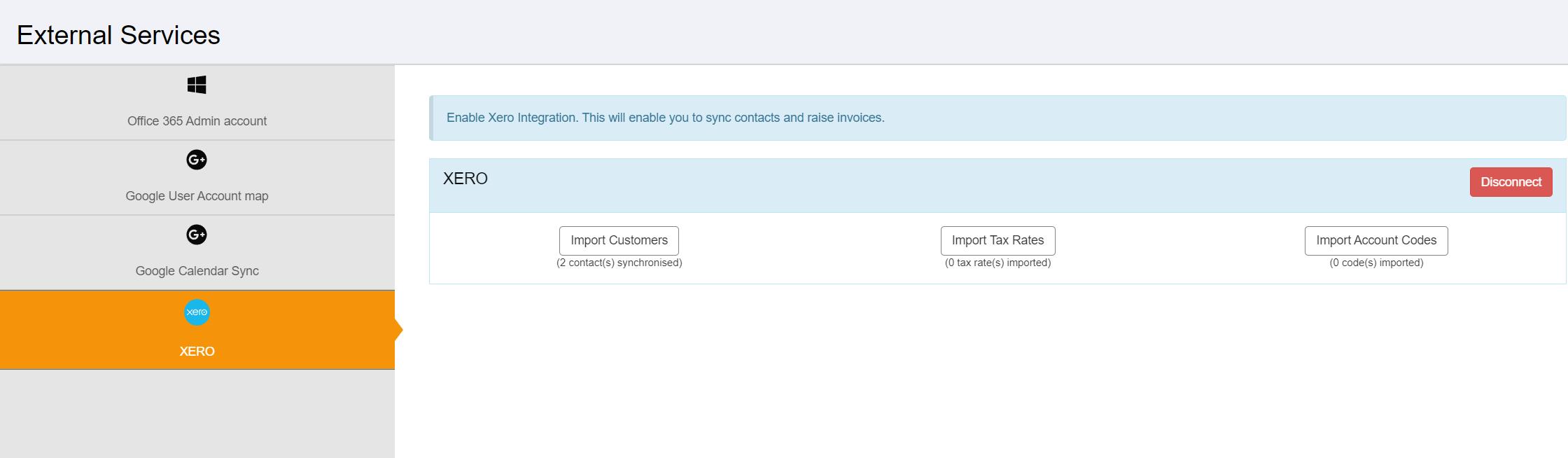
Click the 'Import Tax Rates' . Tax rates held in Xero will then be imported.