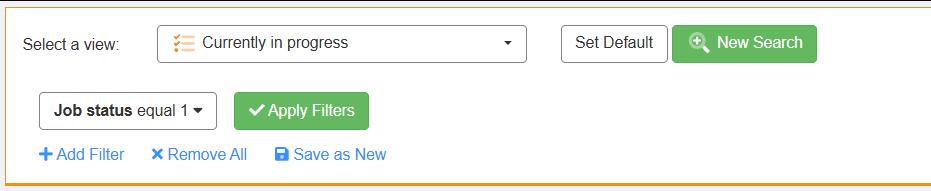
|
This article relates to the following pro-Forms modules: |
Users of the WORK MANAGER Plan now have a number of bulk actions they can perform on multiple jobs.
These include:-
STEPS
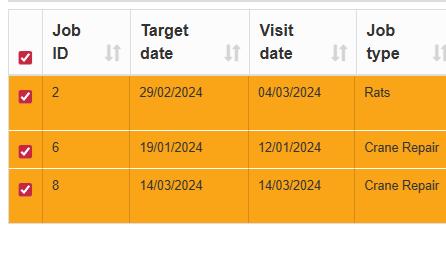
3. click the boxes on the left of each job you wish to change:-
4. a new 'Select an Action' dropdown box will appear to the top left of the jobs table:-
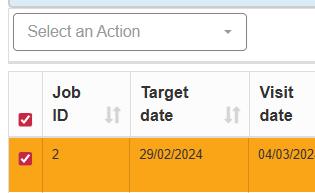
5. drop the box down and select the relevant option from the menu for the action you wish to perform.
6. If you select the 'Bulk Update' option a spreadsheet style interface is opened for you to edit multiple fields on the jobs selected. This a very handy way of changing several fields on a number of jobs.
Article ID: 104
Created: November 24, 2025
Last Updated: August 4, 2026
Author: Administrator
Online URL: https://www.pro-forms.co.uk/kb/article.php?id=104