|
This article relates to the following pro-Forms modules: |
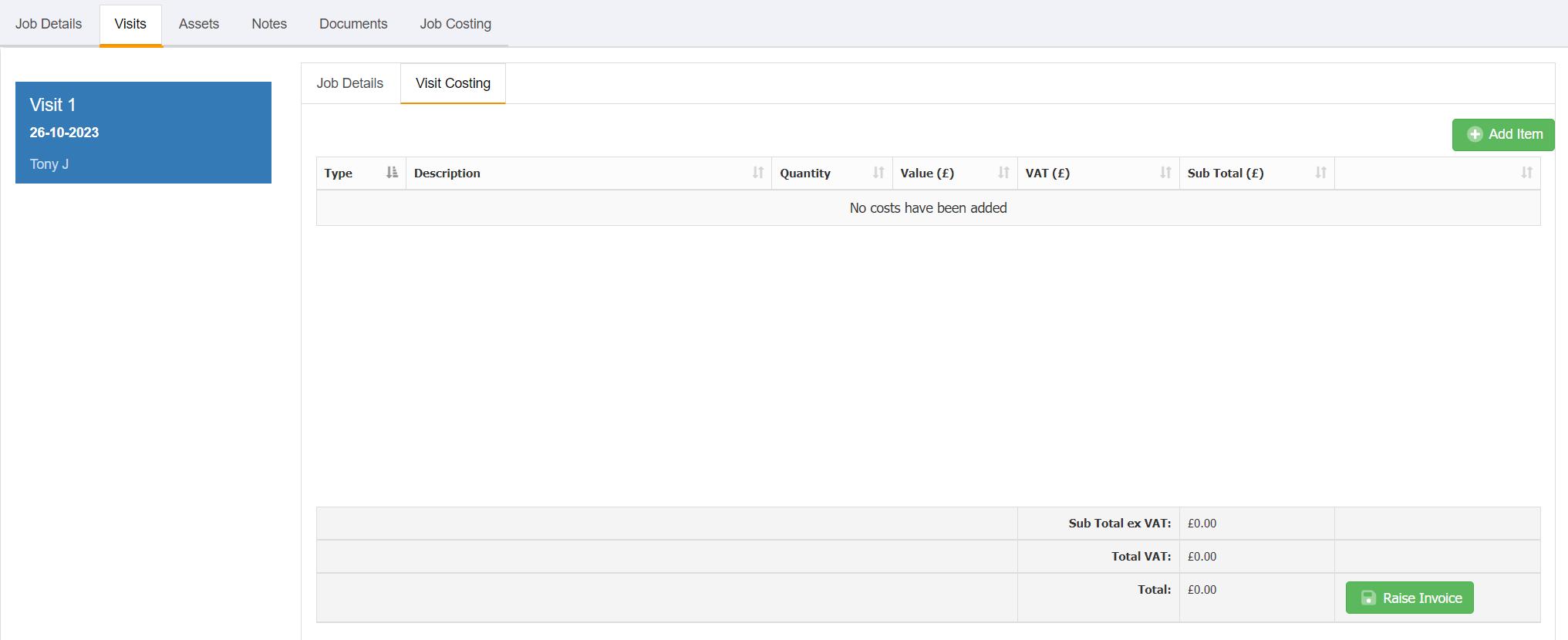
To create an invoice against a single job visit, start by going to the 'Visit Costs' tab against the visit:
Clicking the 'Add Item' button will allow you to start adding item lines to your invoice.
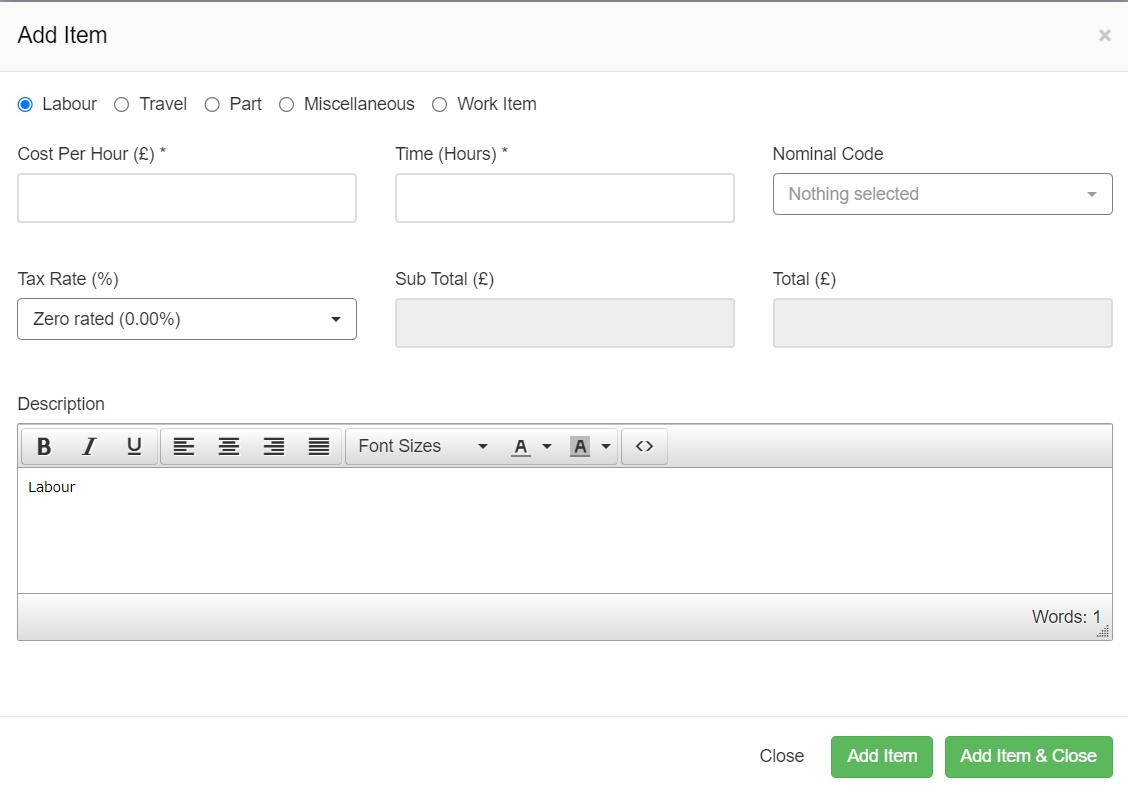
There are 5 standard items you can add to an invoice:
This will allow you to add labour costs to your invoice by specifying the cost per hour and the number of hours spent on the job.
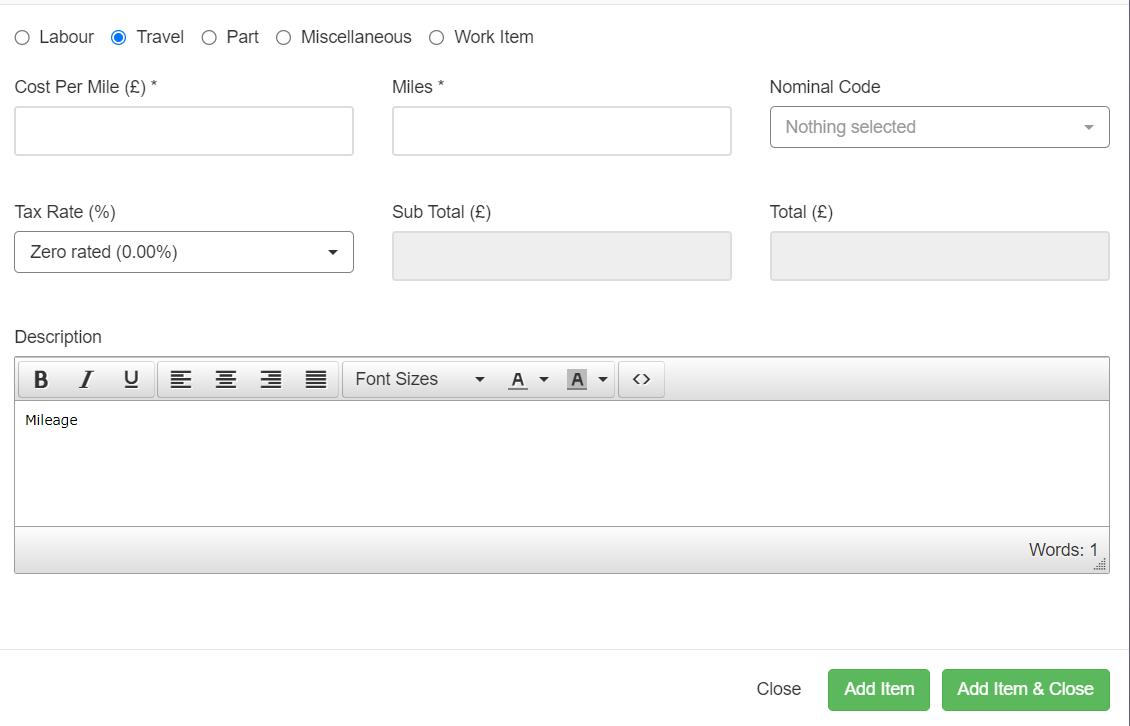
This will allow you to add travel costs to your invoice by specifying the cost per mile and the number of miles spent travelling for this job.
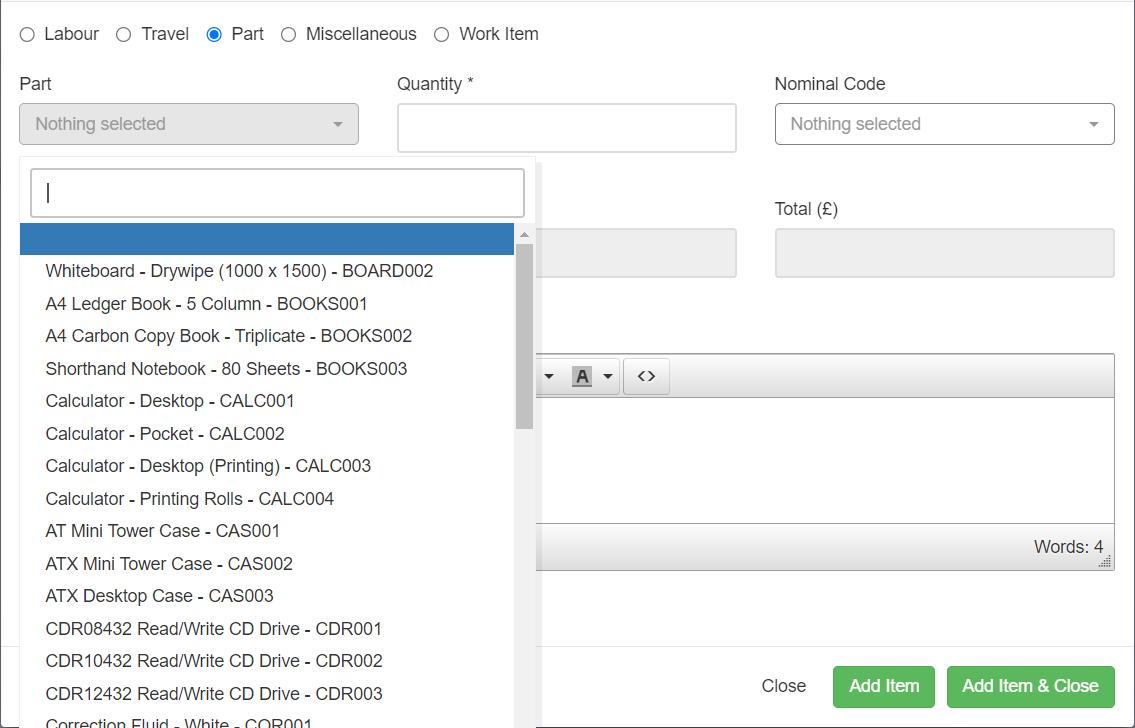
This will allow you to add parts to your invoice. Select the part using the dropdown provided and specify the quantity used.
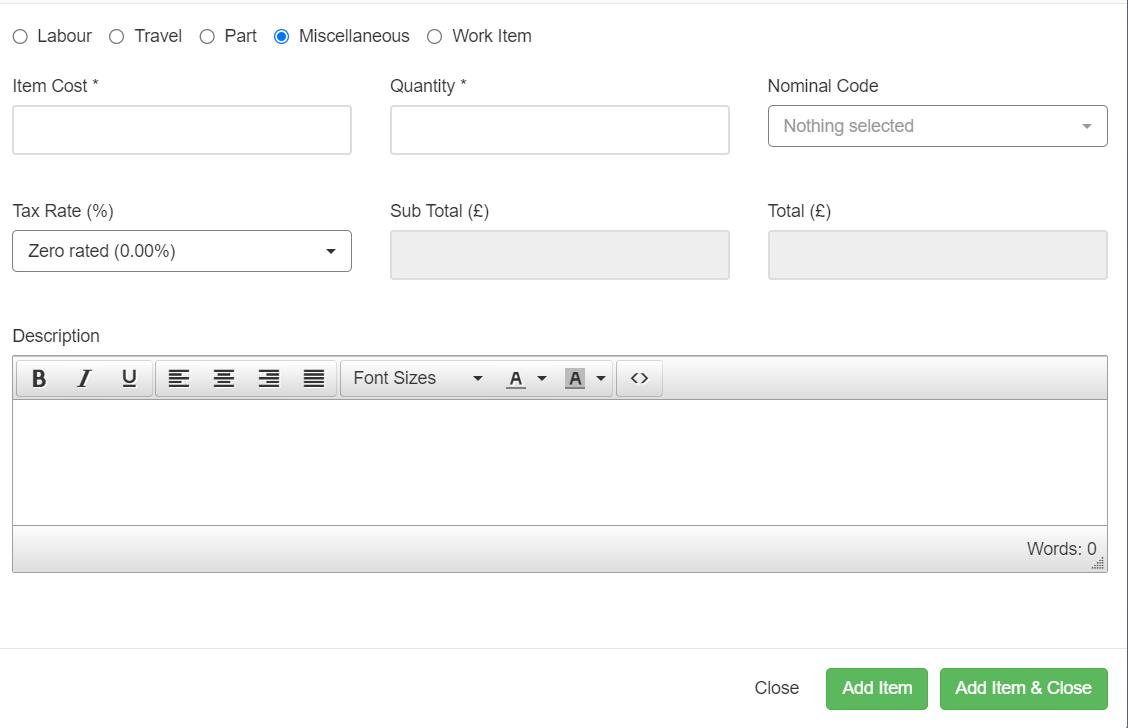
This will allow you to add miscellaneous items to your invoice. Start by entering the item cost for the item and the quantity. Then enter the description to identify the cost item.
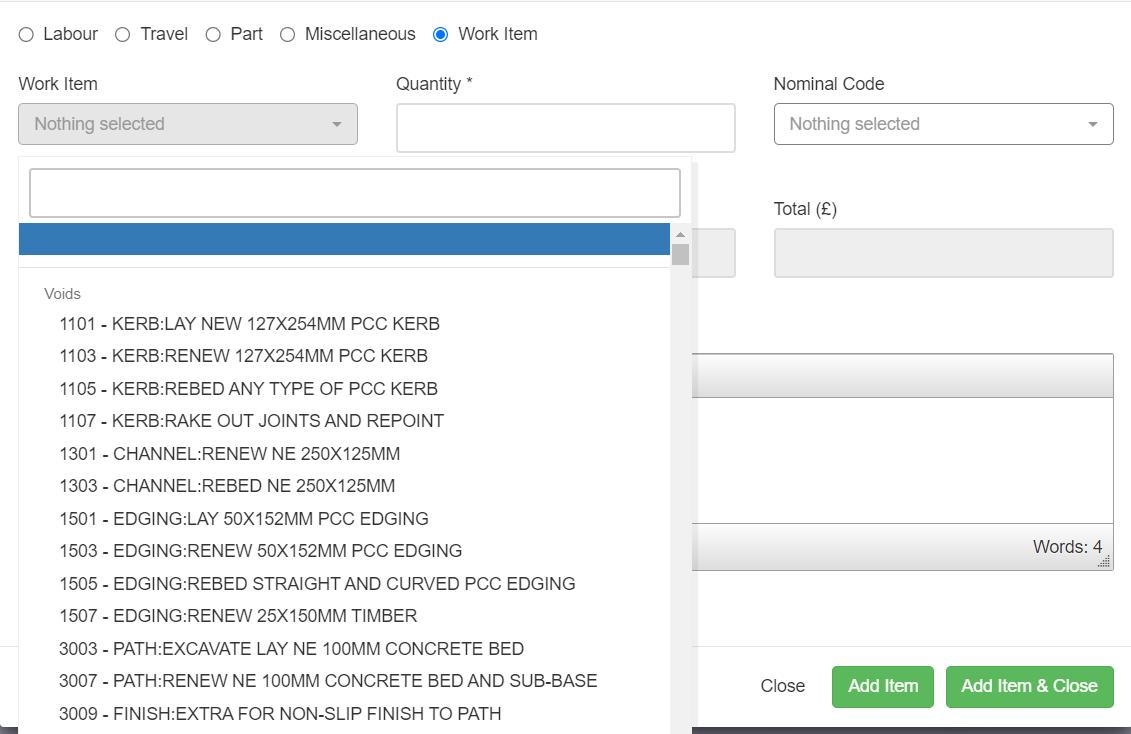
This will allow you to add work item costs to your invoice. Start by entering the item cost for the item and the quantity. Then enter the description to identify the cost item.
Once you have added all of your item lines, click the 'Raise Invoice' button at the bottom of the table
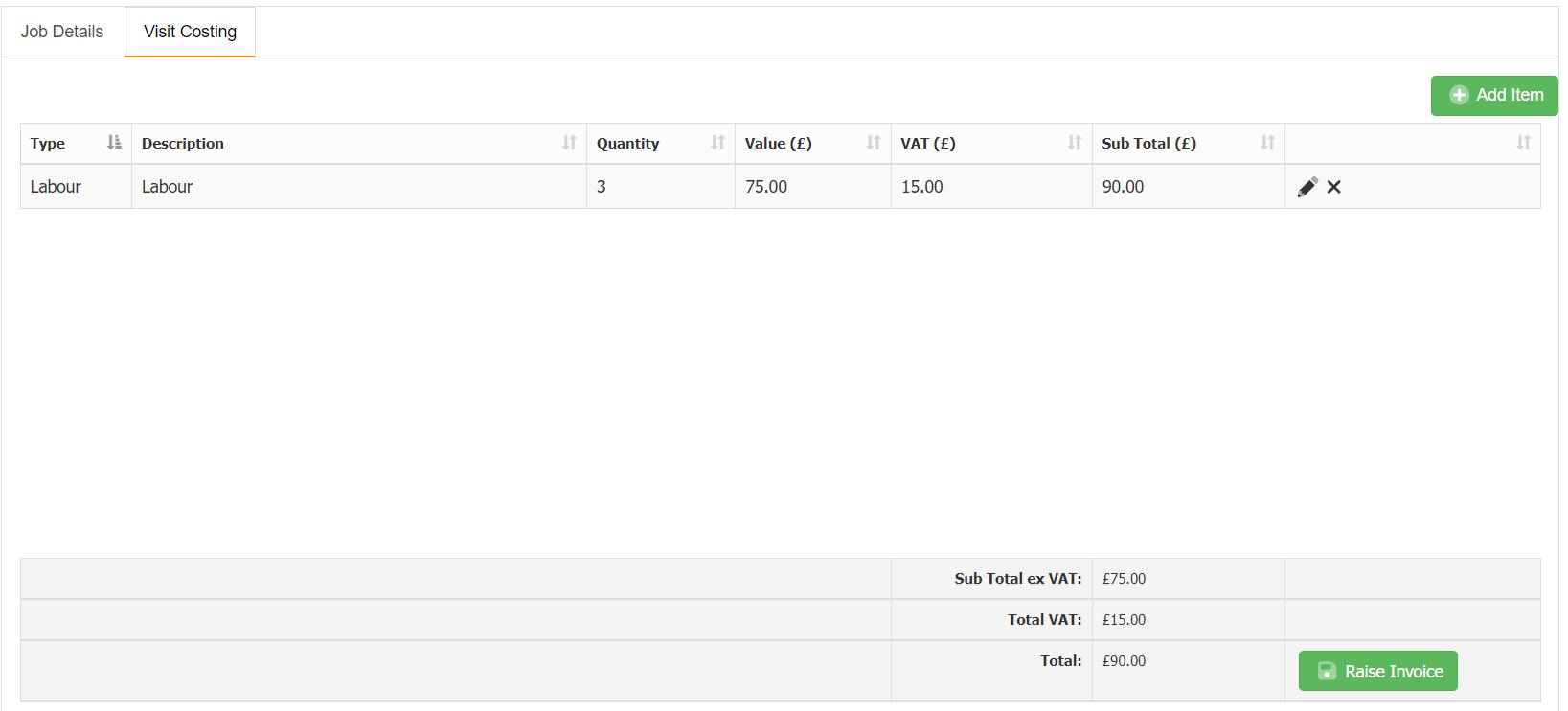
This will then raise a draft invoice within the system.
Article ID: 54
Created: October 27, 2023
Last Updated: October 23, 2023
Author: Administrator
Online URL: https://www.pro-forms.co.uk/kb/article.php?id=54