|
This article relates to the following pro-Forms modules: |
Importing your Nominal/Account codes from Xero keeps invoicing in pro-Forms® aligned with your existing chart of accounts, so raised invoices post to the correct place in Xero.
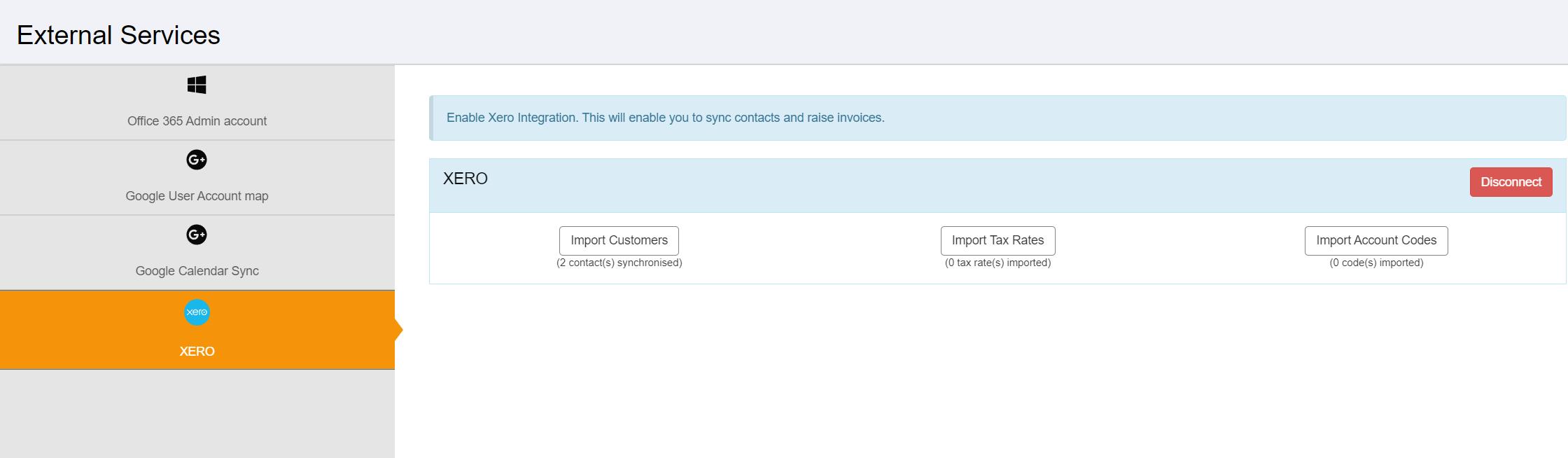
Using the menu on the left, navigate to 'Admin' and then 'External Services'. Then click the 'Xero' option.
Click the 'Import Account Codes' . Nominal/Account codes held in Xero will then be imported.
Article ID: 60
Created: October 27, 2023
Last Updated: August 4, 2026
Author: Administrator
Online URL: https://www.pro-forms.co.uk/kb/article.php?id=60