|
This article relates to the following pro-Forms modules: |
Importing products, services and tax codes from QuickBooks keeps invoicing in pro-Forms® aligned with your existing QuickBooks records.
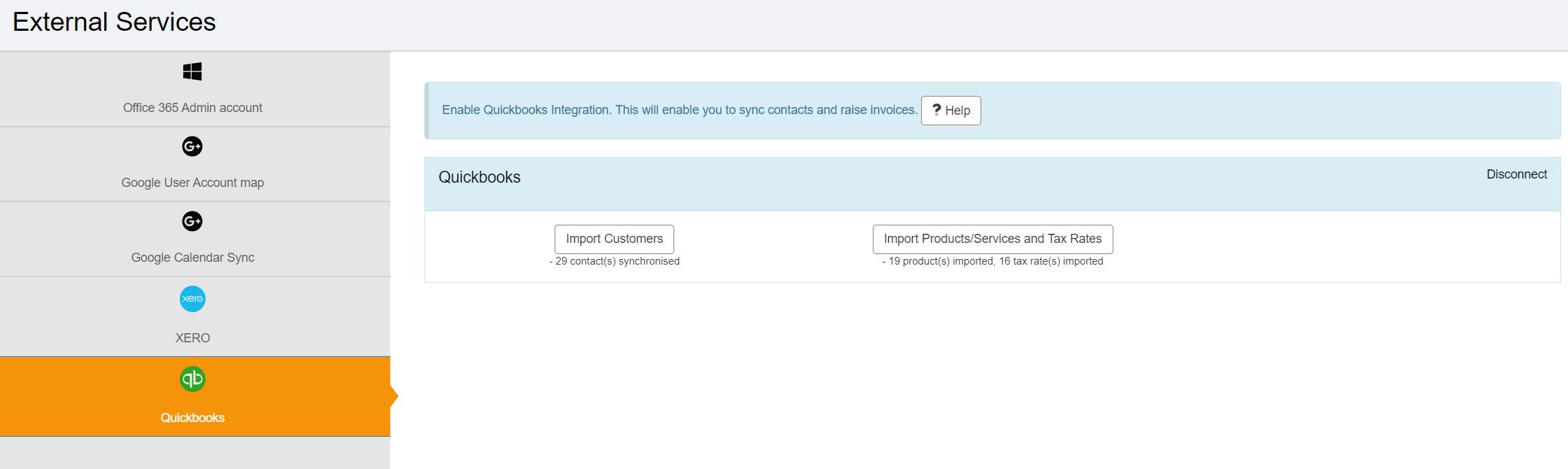
Using the menu on the left, navigate to 'Admin' and then 'External Services'. Then click the 'Quickbooks' option.
Click the 'Import Products/Services and Tax Codes' . Items held in Quickbooks will then be imported.
Article ID: 65
Created: June 10, 2024
Last Updated: August 4, 2026
Author: Administrator
Online URL: https://www.pro-forms.co.uk/kb/article.php?id=65