|
This article relates to the following pro-Forms modules: |
The Customer Portal gives your customers a self-service way to request jobs, quotes and assets directly, without needing to call or email you. Access must first be enabled for the customer — see Configuring Customer Portal Access.
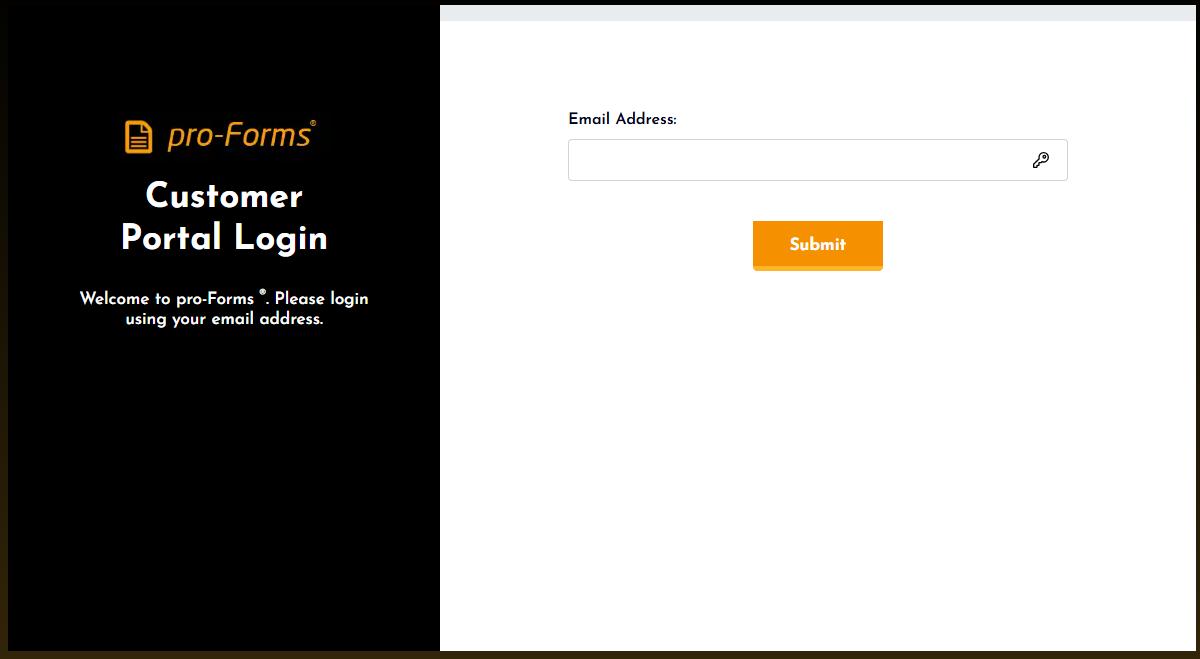
To login to the customer portal, please go to the following address: https://system.pro-forms.co.uk/portalLogin.php
If you have been setup to use the portal, please enter your email address into the box provided and click the 'Submit' button
An email will be sent to the address provided containing an access code. Enter the code in the box on screen:
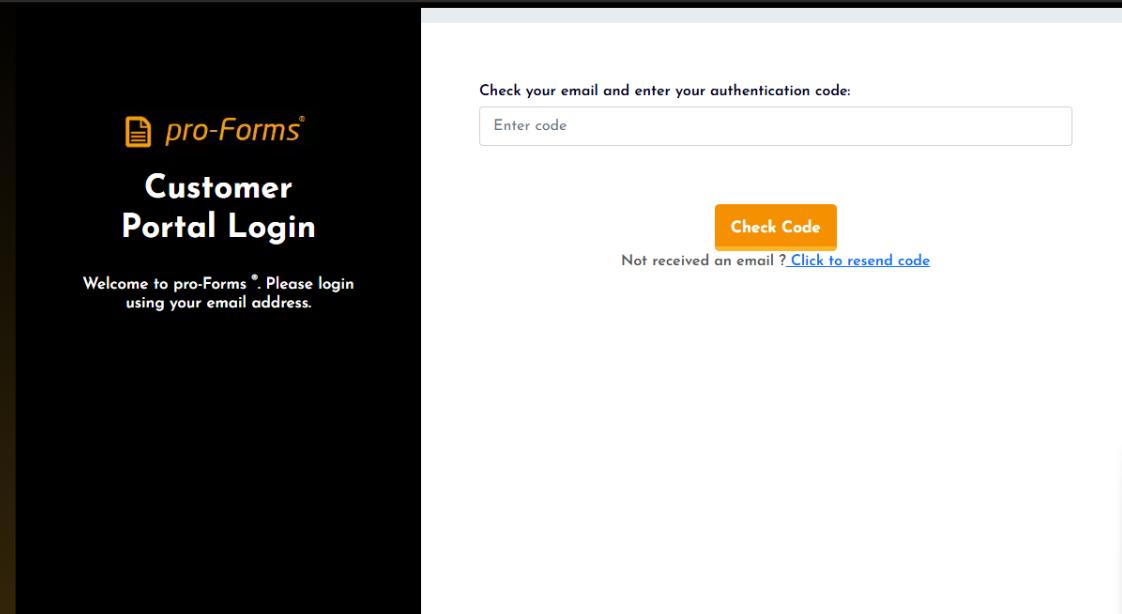
Click the 'Check Code' button. If successful you will be redirected into the portal.
Article ID: 89
Created: June 6, 2025
Last Updated: August 5, 2026
Author: Administrator
Online URL: https://www.pro-forms.co.uk/kb/article.php?id=89