|
This article relates to the following pro-Forms modules: |
The Customer Portal allows users to request:
This article describes how to configure which users get notified when one of the actions above is performed.
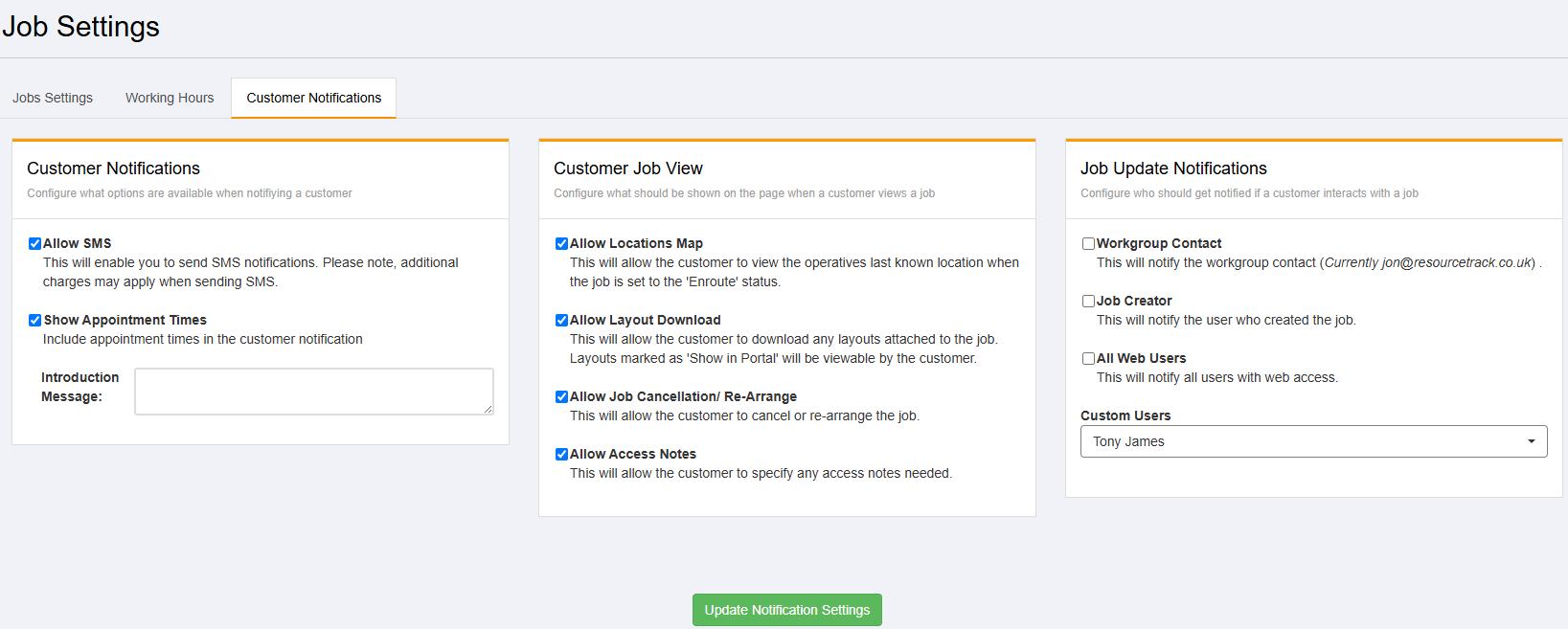
In the 'Jobs' menu option on the left side of the screen, click 'Settings'. Then click the 'Customer Notifications' tab:
On the righthand side of the screen is the 'Job Update Notifications' section.
You can use the options above to configure who gets notified when an action is requested in the Customer Portal.
Article ID: 91
Created: June 10, 2025
Last Updated: June 10, 2025
Author: Administrator
Online URL: https://www.pro-forms.co.uk/kb/article.php?id=91