|
This article relates to the following pro-Forms modules: |
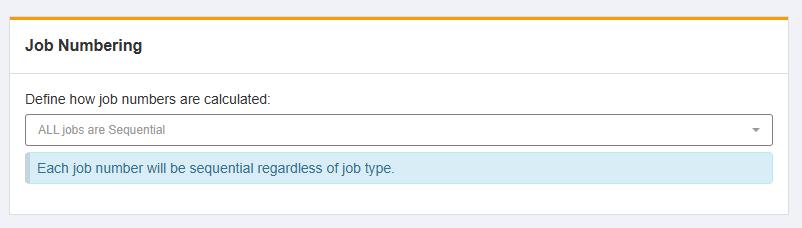
There are 2 options available when configuring how the system will sequence job numbers.
To configure this expand the 'Jobs' menu on the left and click 'Settings'.
Use the dropdown to select the desired method. If you select 'Sequential by Job Type', further configuration options appear.
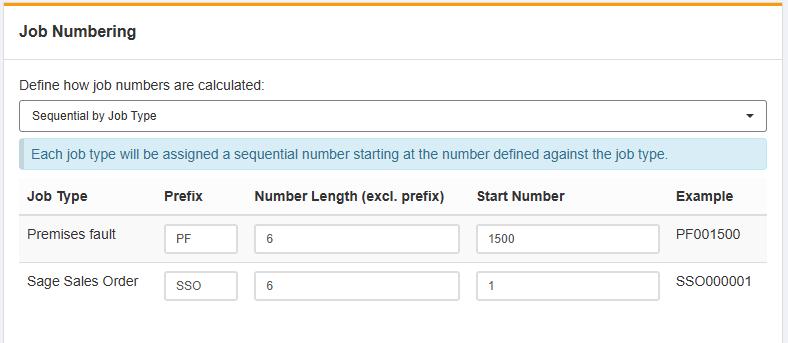
Using the options provided, update the configuration to suit your needs. To help, there is an 'example' column which updates to reflect your configuration. When you are done, click the 'Save' button.
Note: When using the 'General' job type, if you have not configured the settings, it will default to a prefix of 'GEN' with number length of 6 and start number of 1. You can configure the General job type in Jobs -> Job Types
Article ID: 92
Created: June 12, 2025
Last Updated: June 12, 2025
Author: Administrator
Online URL: https://www.pro-forms.co.uk/kb/article.php?id=92