How to Connect pro-Forms® to QuickBooks
|
This article relates to the following pro-Forms modules: |
Connecting pro-Forms® to your QuickBooks account lets you keep customers, products/services and tax codes in sync between the two systems, avoiding duplicate data entry.
Using the menu on the left navigate to 'Admin' and then 'External Services'. Then click on the 'Quickbooks' option.
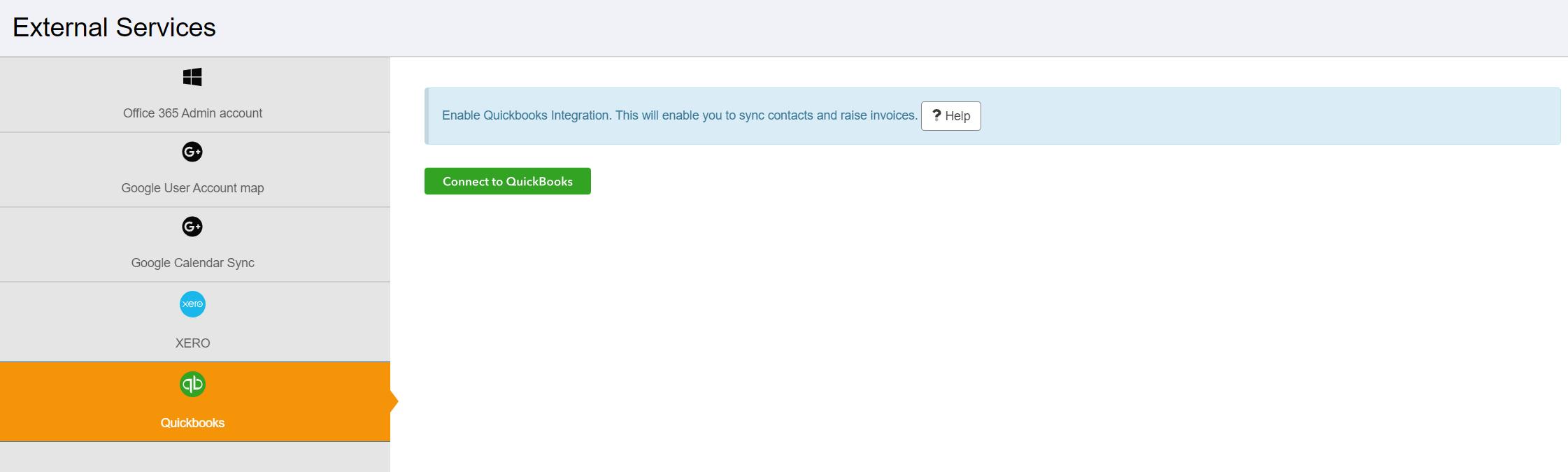
Clicking the 'Connect to Quickbooks' button will show a login prompt allowing you to enter your Quickbooks username and password:
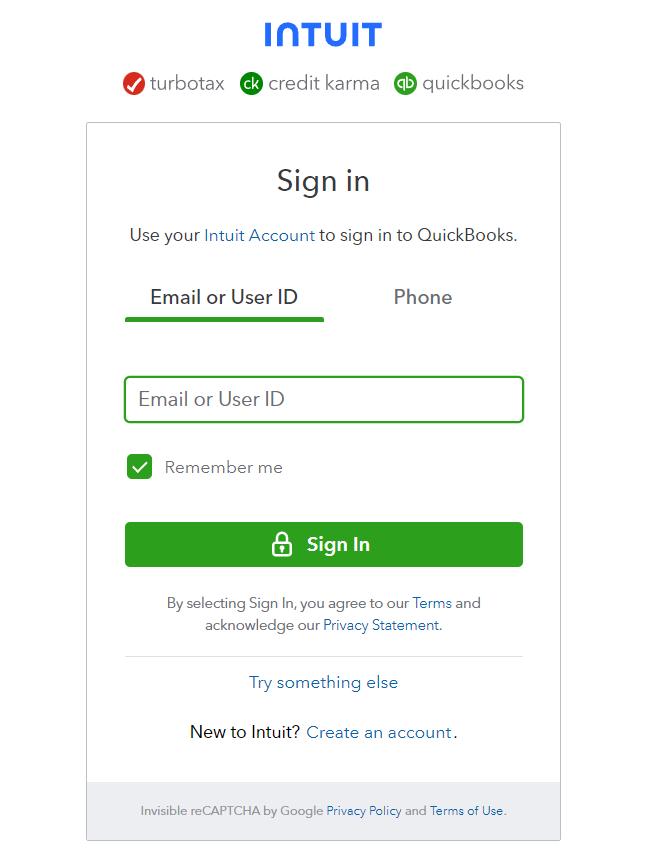
Upon successful entry of your Quickbooks username and password you will be prompted to give access to Quickbooks:
Click to continue and the screen will refresh:
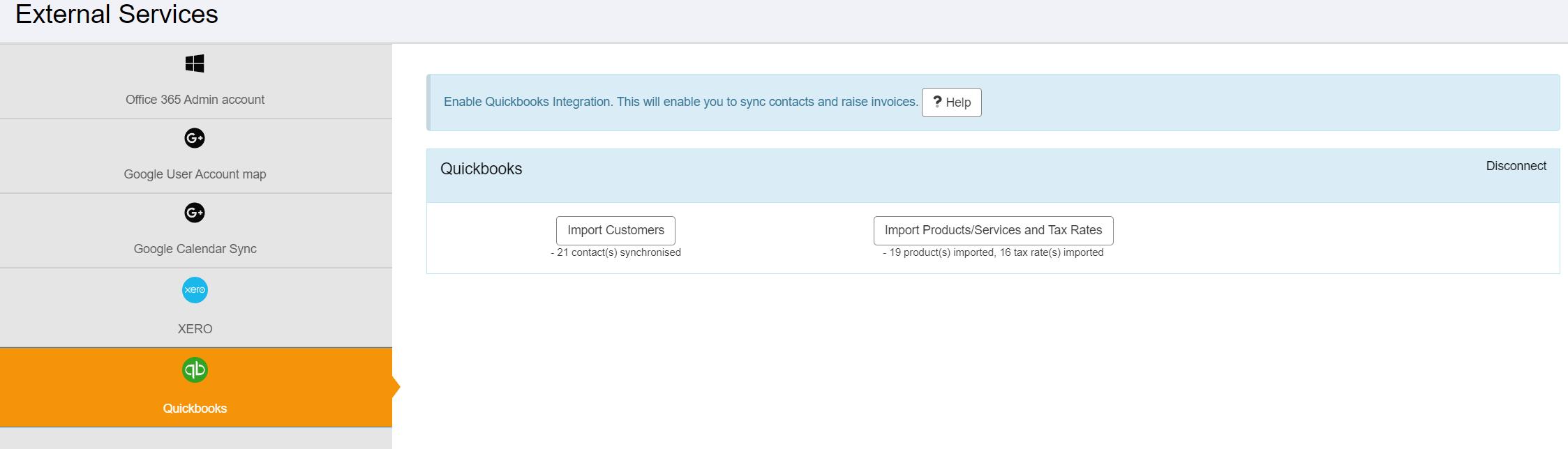
Once connected, see Synchronise Customers from Quickbooks and Synchronise Products/Services and Tax Codes from Quickbooks to start importing your data.