How to Log Into the pro-Forms® Mobile App


This article relates to the following pro-Forms modules:

Mobile Forms

WORK MANAGER

To login to the pro-Forms mobile application, follow the steps outlined below

  1. Make sure the mobile app is installed.  Downloading the mobile app
  2. Launch the app from your devices menu icon.

    pro-Forms Mobile Icon

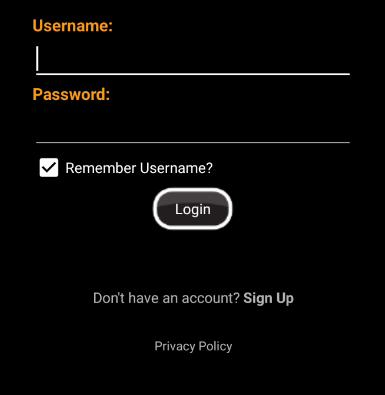
  3. In the login prompt provided, enter the email address and password you used when your account was created.

    pro-Forms Mobile Login Screen

  4. Tap the 'Login' button.

Forgotten your password? See How to Reset a User Password to get back into your account.


Article ID: 72
Created: October 22, 2024
Last Updated: August 5, 2026
Author: Administrator

Online URL: https://www.pro-forms.co.uk/kb/article.php?id=72