|
This article relates to the following pro-Forms modules: |
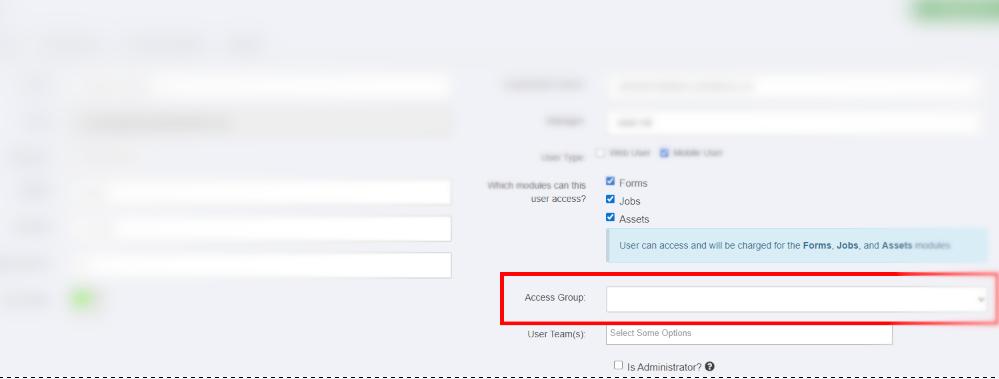
If a field worker's app isn't showing any forms, it's almost always down to their Access Group not being set correctly - Access Groups control which forms a Mobile User can see.
If you mobile user is struggling to see any forms, please follow the steps below:
Article ID: 96
Created: July 28, 2025
Last Updated: August 5, 2026
Author: Administrator
Online URL: https://www.pro-forms.co.uk/kb/article.php?id=96