|
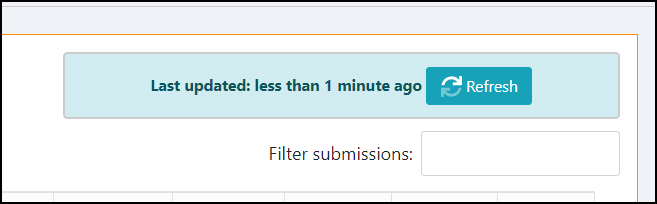
Form Filter option |
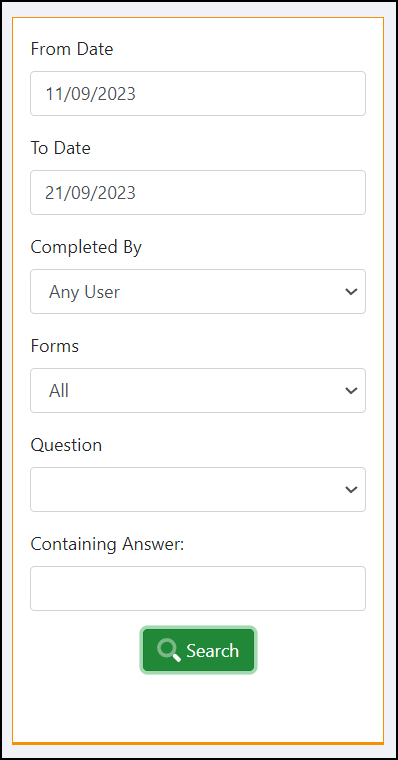
Forms Search options |
|
This article relates to the following pro-Forms modules: |
Editing form Submissions
Forms submitted into the system from both the mobile app and browser-based Online forms can be edited to alter text, add missing items etc.
To be able to edit a form, the user account logged into the Work Group must have permission granted to do so.
Enabling this permission is done from :-
To edit a submitted form :-
|
Form Filter option |
Forms Search options |
|
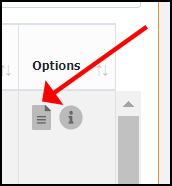
Edit form icon |
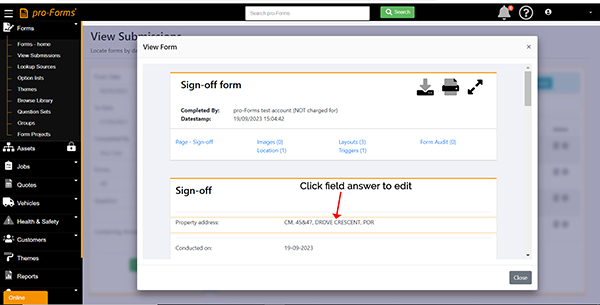
Edit field on submitted form |
Once a field has been edited, at the bottom of the page is an Audit log of the changes so you can what was changed, by whom and when. The original and changed field values are also displayed.
PLEASE NOTE :
Not all field types can be edited such as signatures and images. Amending/ adding these to a form will need to be done locally on your PC once a Word or PDF document has been generated and sent out of the system by an email trigger.
Article ID: 53
Created: September 21, 2023
Last Updated: September 4, 2025
Author: Administrator
Online URL: https://www.pro-forms.co.uk/kb/article.php?id=53