Creating a Choice List
|
This article relates to the following pro-Forms modules: |
To create a new Choice List, follow the steps below:
- Expand the Forms menu on the left
- Click 'Choice Lists'
- Click the 'Add list' button on the right.
This will load the following screen.
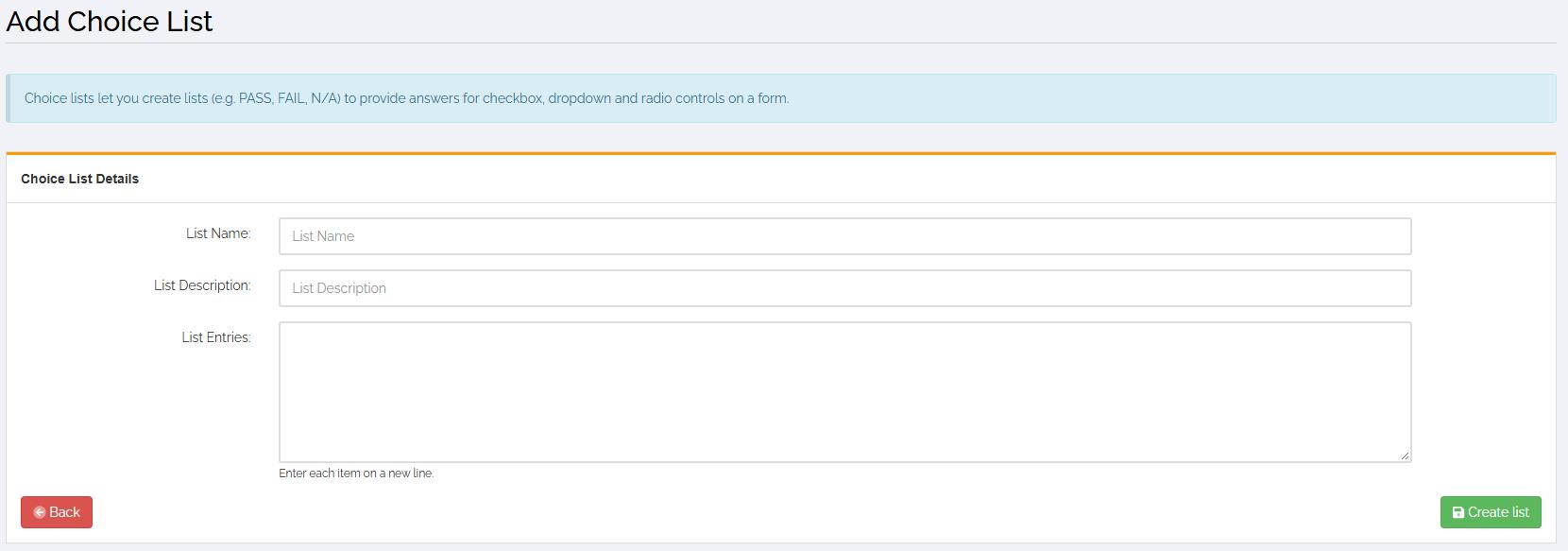
Give your list a name and an optional description.
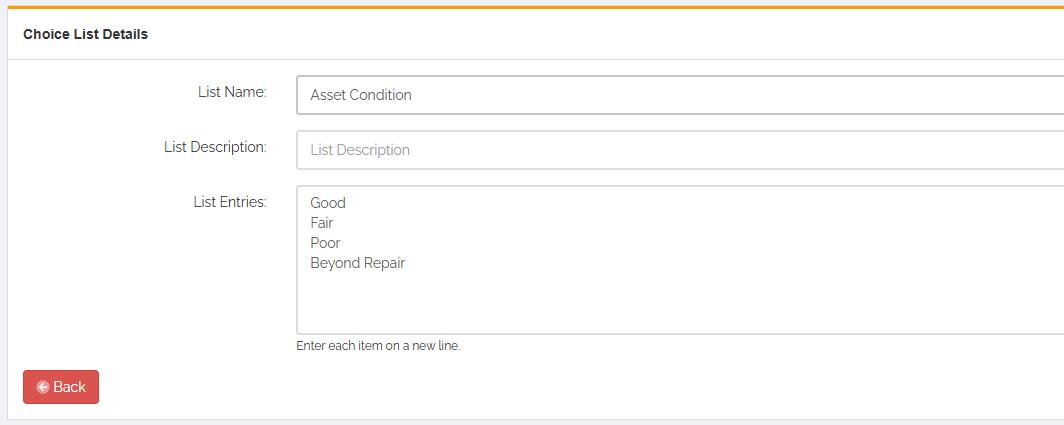
In the 'List Entries' box type each answer to you list with each entry on a new line, for example:
Once you have added all of your answers, click the 'Create List' button.