Assigning Choice Lists
|
This article relates to the following pro-Forms modules: |
Choice Lists are selectable when you use a Dropdown, Radio or Checkbox type controls when building a form.
When editing a question of this type, there will be an 'Answers' tab. Click this tab and a screen similar to this will be displayed:
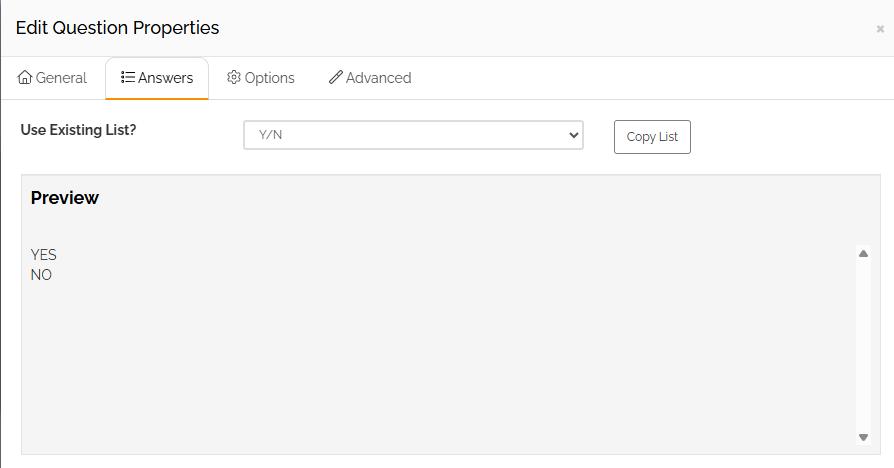
Using the dropdown 'Use Existing List', select the list you require for the current question. Upon selection the preview of answers will update to show you what the list includes,
Click the 'Save' button to assign the list to the question on the form. The question will then update to reflect the selection made:
