How to Resend a Trigger
|
This article relates to the following pro-Forms modules: |
There are 2 ways to resubmit a trigger.
Submissions List
On the 'View Submissions' screen click the information icon on the right hand side of the entry:

This will bring up the triggers page for that submission.
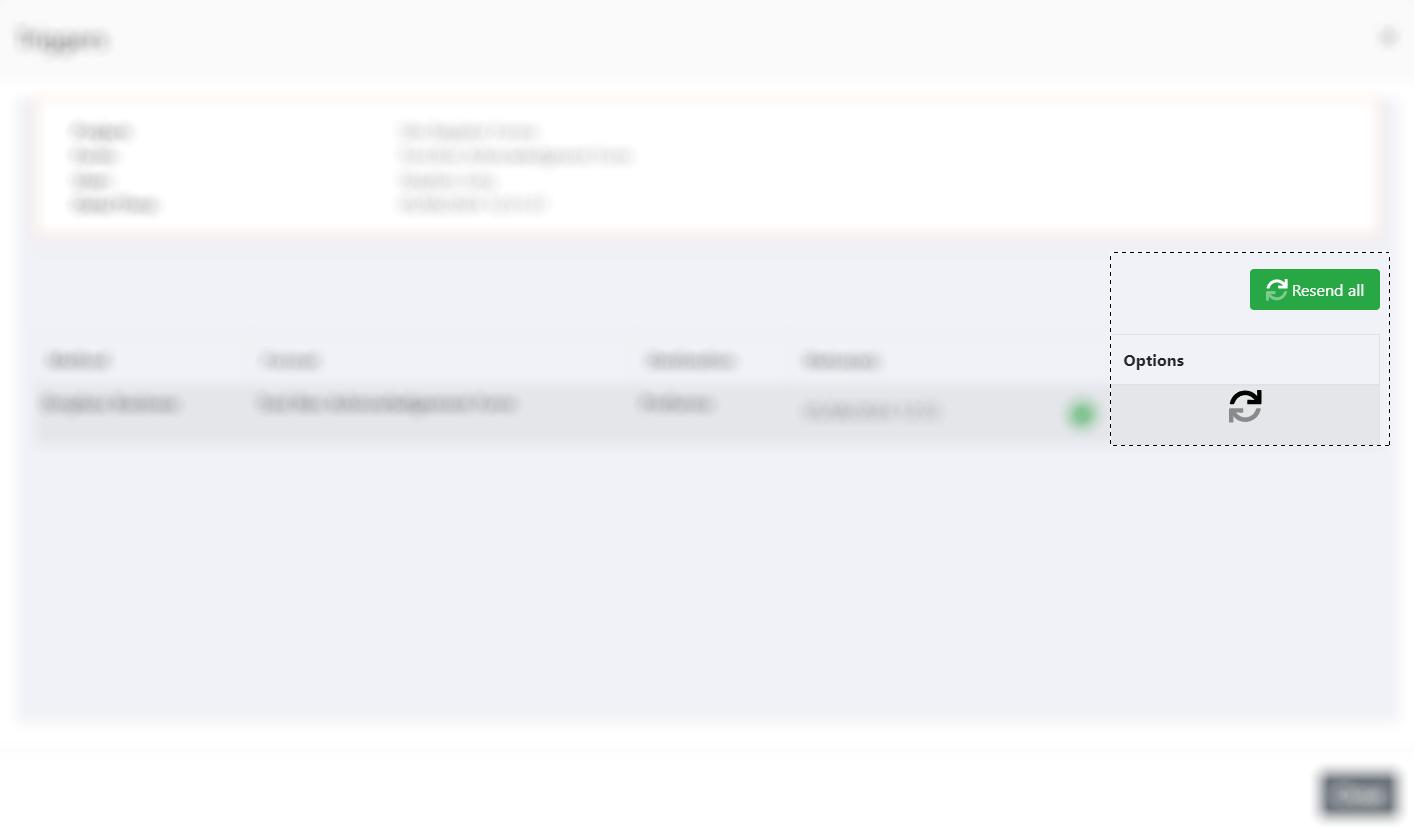
Clicking the 'Resend All' button will re-run all of the triggers associated with the form. To re-run an individual trigger, click the icon to the right of the relevant trigger.
View Submission
When viewing an individual submission, scroll to the bottom of the page or click the 'Triggers' option at the top:
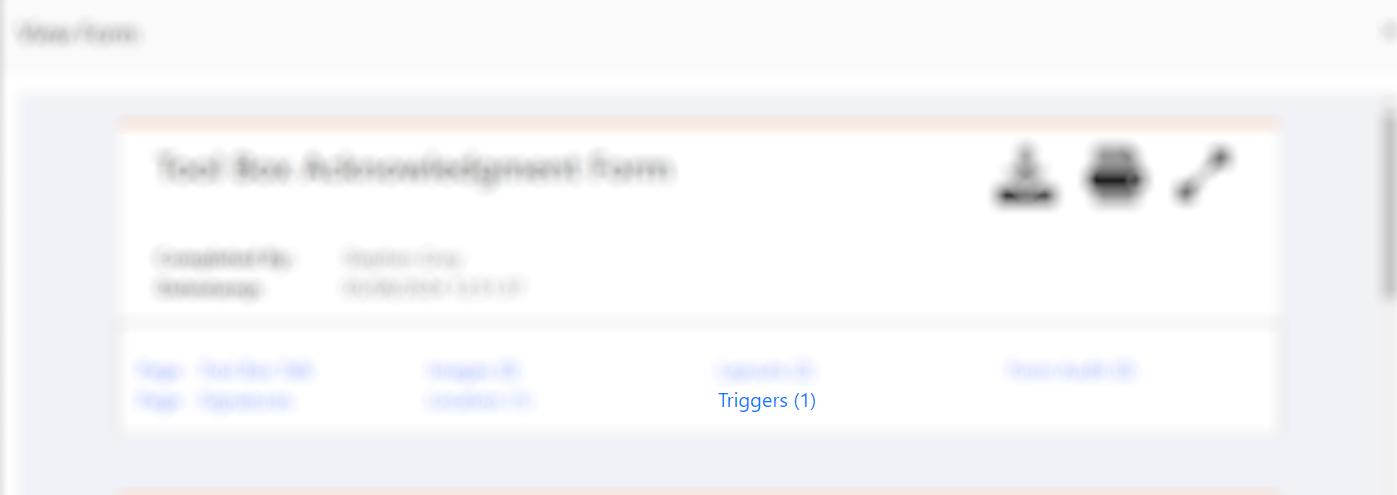
When you can see the triggers section, clicking the 'Resend All' button will re-run all of the triggers associated with the form. To re-run an individual trigger, click the icon to the right of the relevant trigger.