Fix: Mobile User Cannot See Any Forms
|
This article relates to the following pro-Forms modules: |
If a field worker's app isn't showing any forms, it's almost always down to their Access Group not being set correctly - Access Groups control which forms a Mobile User can see.
If you mobile user is struggling to see any forms, please follow the steps below:
- Go to the 'Users' menu option
- Click 'Edit' next to the relevant user
- On the first tab towards the bottom right is an option for 'Access Group'
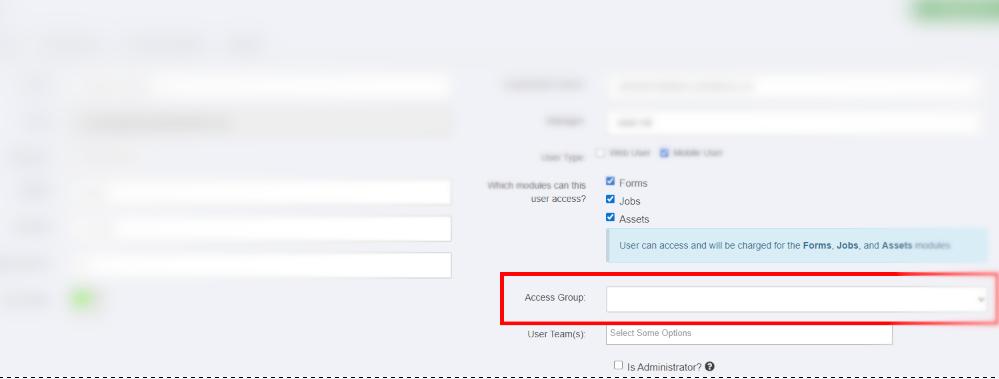
- Please make sure an option is selected here. Access groups determine the forms a user can see.
- Click 'Update User' at the top of the screen