How to Use a Form View
|
This article relates to the following pro-Forms modules: |
Form Views let you save and reuse a specific search filter for form submissions, so you don't have to rebuild the same search every time. This assumes a Form View has already been created — see How to Create a Form View.
To use a Form View that you have created, click 'Manage' next to the relevant form and click 'Submissions'. On the left hand pane, click the dropdown labelled 'Views':
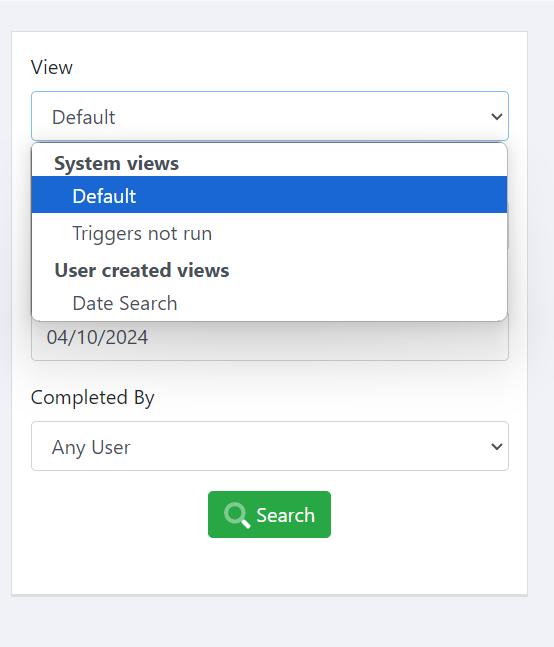
Select the view you want to use and then change the date range of the forms you want to search. Then click 'Search'. Your results will show in the pane on the right.