

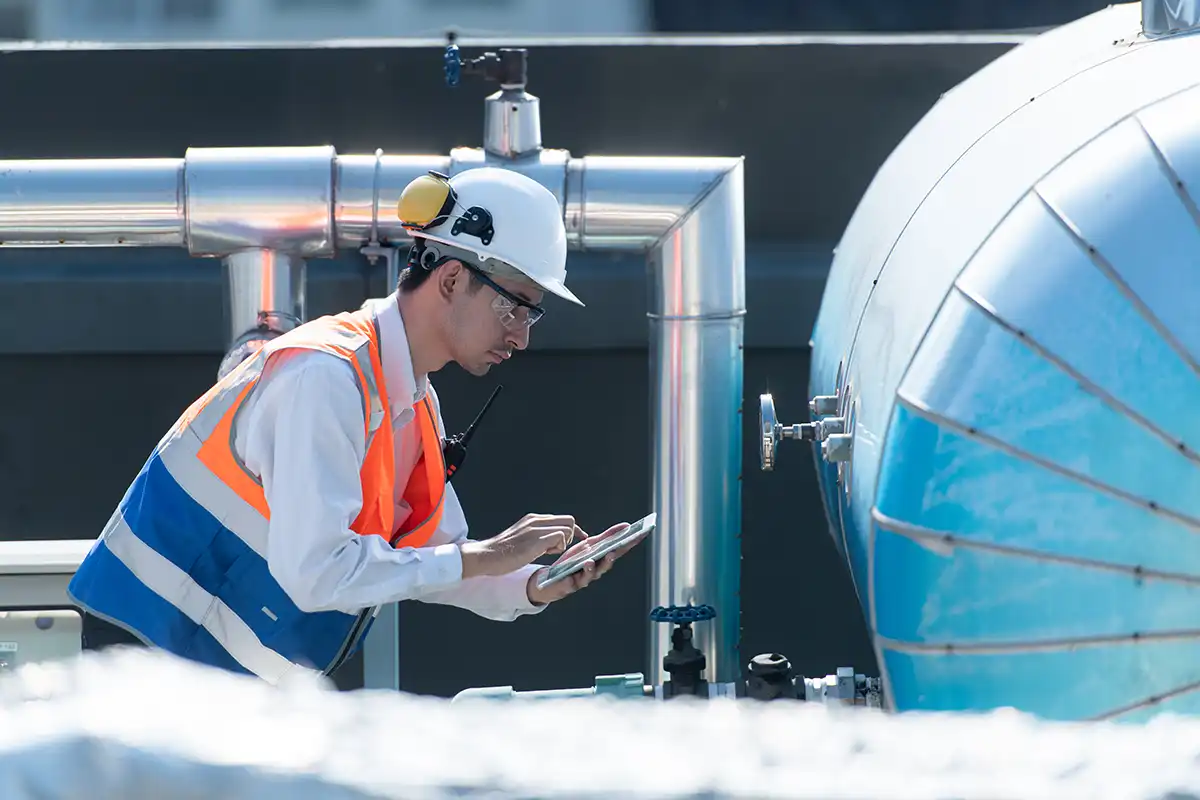
Stop Typing, Start Scanning: AI Asset Identification Has Arrived in pro-Forms®
If you’ve ever stood next to a boiler room, electrical panel, or piece of industrial plant equipment trying to squint at a faded nameplate while manually typing a 20-character model number into your phone, you already understand the problem pro-Forms® has just solved.
The latest release of the pro-Forms® mobile app introduces an AI-powered camera recognition feature for asset management that reads equipment nameplates automatically — capturing the manufacturer, make, and model in seconds and passing that data directly into the pro-Forms® Enterprise Asset Manager module. No typos. No guesswork. No trips back to the office to look up a serial number.
What Is Nameplate Recognition and Why Does It Matter?
Every piece of commercial or industrial equipment carries a manufacturer’s nameplate — a metal or adhesive label affixed to the asset that contains its key identifiers: the manufacturer’s name, the make or product range, the model number, and often the serial number, rated capacity, and year of manufacture.
For facilities managers, field engineers, maintenance technicians, and asset surveyors across the UK and beyond, accurately capturing this data is foundational to:
- Building a reliable asset register
- Scheduling planned preventative maintenance (PPM)
- Sourcing the correct spare parts and consumables
- Meeting compliance and insurance obligations
- Tracking lifecycle and depreciation of physical assets
The challenge has always been the data entry step. Handwritten notes get transcribed incorrectly. Photographs get filed and forgotten. Abbreviations vary by engineer, by site, by habit. The result is an asset database full of inconsistencies that undermine the very reliability it was built to provide.
AI nameplate recognition solves this at the point of capture.
How the pro-Forms® AI Camera Feature Works
The process is remarkably straightforward, and that simplicity is by design.
Step 1 — Open the Asset Form in the pro-Forms® App
When a field operative is on site and needs to register a new asset — or verify an existing one — they open the relevant asset form within the pro-Forms® mobile app. This might be triggered as part of a survey workflow, a commissioning checklist, or a reactive maintenance job.
Step 2 — Point the Camera at the Nameplate
The operative taps the AI camera icon within the form. The app activates the device camera and the user simply points it at the equipment nameplate. The interface provides a live viewfinder with a target overlay to assist alignment, even in low-light plant rooms or awkward access situations.
Step 3 — AI Reads and Interprets the Nameplate
This is where the intelligence lives. The pro-Forms® AI engine — powered by advanced optical character recognition (OCR) combined with a trained machine learning model — does several things simultaneously:
- Detects text regions on the nameplate, distinguishing relevant fields from regulatory markings, certification logos, and background noise
- Interprets the manufacturer name, cross-referencing against a curated equipment knowledge base to handle abbreviations, legacy brand names, and international variants
- Identifies the make (product range or series) and model number, applying pattern recognition to handle alphanumeric codes common in HVAC, electrical, and mechanical plant equipment
- Returns structured data — not raw text — directly into the form fields
Step 4 — Data Populates the Asset Record
Within moments of the scan, the Manufacturer, Make, and Model fields in the pro-Forms® asset form are populated automatically. The operative reviews the pre-filled data, makes any corrections if needed, and submits the form.
Step 5 — Submitted to the Enterprise Asset Manager
On submission, the asset record — complete with AI-captured nameplate data, any additional form fields completed by the operative, geolocation, timestamp, photos, and digital signature — is transmitted to the pro-Forms® Enterprise Asset Manager module. The asset is instantly available in the asset register, ready for PPM scheduling, work order assignment, and lifecycle tracking.
The Business Case: What This Means for Your Operations
Accuracy at Scale
For organisations managing hundreds or thousands of assets across multiple sites — hospitals, universities, local authorities, commercial property portfolios, housing associations — the cumulative accuracy improvement is significant. A single incorrect model number can result in the wrong service parts being ordered, incorrect maintenance intervals being applied, or a compliance audit failure. Multiply that risk across a large estate and the value of accurate, AI-verified data becomes clear.
Speed of Survey and Commissioning
Asset surveys and building commissioning projects are time-sensitive. Field teams are often working against tight deadlines to produce complete asset registers before handover or contract start. AI nameplate recognition dramatically reduces the time per asset, allowing more assets to be captured per operative per day — without any reduction in data quality.
Reduced Training Overhead
New operatives no longer need to know every manufacturer’s naming convention, understand the difference between a product range and a model series, or be familiar with legacy brand names following mergers and acquisitions. The AI handles the interpretation. This significantly reduces the knowledge burden on field staff and shortens the effective onboarding period for new engineers.
Fewer Form Resubmissions
In traditional mobile data capture workflows, incomplete or incorrect asset records generate a significant volume of back-office corrections and form resubmissions. AI-assisted capture reduces this rework, freeing up admin resource and accelerating the time from site visit to live asset record.
Who Benefits Most from AI Asset Identification?
This feature is particularly impactful for teams operating in:
- Facilities Management — Managing complex built environments with diverse plant inventories across commercial, retail, education, and healthcare estates
- Building Services Engineering — Commissioning and maintaining HVAC, electrical, plumbing, and fire systems where accurate asset data is critical to compliance
- Local Government and Social Housing — Asset surveying of large public estate portfolios where consistency and auditability are regulatory requirements
- Manufacturing and Industrial — Plant maintenance teams needing accurate asset records for OEM servicing and warranty management
- Property and Construction — Handover documentation and snagging processes where complete asset registers are contractual deliverables
Integration with the pro-Forms® Enterprise Asset Manager
The AI camera feature doesn’t exist in isolation — it’s deeply integrated with the wider pro-Forms® Enterprise Asset Manager module, which provides:
- Hierarchical Asset Register — Organise assets by site, building, floor, zone, and system
- PPM Scheduling — Automated maintenance scheduling based on asset type, manufacturer recommendations, and compliance requirements
- Work Order Management — Raise, assign, and track reactive and planned work orders linked to specific assets
- Document Management — Store O&M manuals, warranties, certificates, and inspection records against each asset record
- Condition Scoring — Record asset condition at the point of survey, building a deterioration profile over time
- Reporting and Dashboards — Executive and operational reporting across the entire asset portfolio
When an asset is captured in the field using AI nameplate recognition and submitted through the pro-Forms® app, it enters this ecosystem immediately — fully classified, correctly attributed, and ready to be acted upon.
Addressing Real-World Challenges in the Field
What about damaged or dirty nameplates?
The AI engine is trained to handle partial text, worn engravings, corroded surfaces, and low-contrast labels. Where confidence in a reading falls below a defined threshold, the app flags the field for manual review rather than inserting an incorrect value — maintaining data integrity without halting the workflow.
What about nameplates in different languages?
Equipment from European and Asian manufacturers frequently carries nameplates in the language of origin. The pro-Forms® AI feature supports multilingual nameplate recognition, with automatic translation and normalisation to English for the UK market.
What if the asset isn’t in the knowledge base?
For highly specialised or bespoke equipment, the AI returns the best available interpretation of the scanned text, clearly marked as OCR-derived rather than knowledge-base matched. The operative can review and confirm or edit the values before submission.
Does it work offline?
Yes. The pro-Forms® mobile app is built for the realities of field work, including basements, plant rooms, and rural sites with poor connectivity. AI processing can be performed on-device, with the completed asset record syncing to the Enterprise Asset Manager when connectivity is restored.
A Practical Example: HVAC Asset Survey on a Hospital Estate
Consider a facilities management contractor undertaking an asset survey of a 400-bed district general hospital. The estate contains approximately 1,200 individual assets across HVAC, electrical, plumbing, and specialist medical infrastructure.
Under a traditional approach, a team of three surveyors would spend several weeks manually recording asset data — with significant risk of errors in manufacturer names, model numbers, and equipment classifications. A second pass to correct errors and reconcile inconsistencies against legacy records would typically add days to the programme.
With pro-Forms® AI nameplate recognition, each surveyor can capture a verified, structured asset record in under two minutes per asset. The hospital’s facilities team receives a clean, complete asset register in the Enterprise Asset Manager before the survey team has left site — ready for immediate PPM scheduling and compliance reporting.
Getting Started with AI Asset Identification in pro-Forms®
The AI camera feature is available to all pro-Forms® Enterprise Asset Manager customers as part of the latest mobile app update. No additional configuration is required to enable nameplate recognition — it is accessible directly within asset-type form fields wherever the camera input is enabled by your system administrator.
For organisations not yet using the pro-Forms® Enterprise Asset Manager, the feature provides a compelling entry point into structured asset management — combining the simplicity of a mobile app with the power of an enterprise-grade asset register backed by AI data capture.
To see a demonstration, speak to your pro-Forms account manager or visit the pro-Forms website to request a product walkthrough tailored to your industry and asset portfolio.
The Bottom Line
Manual data entry is the silent enemy of asset management quality. Every mistyped model number, every abbreviation that means something different to the next engineer, every nameplate that gets photographed but never transcribed — these are the small failures that accumulate into unreliable asset data, missed maintenance, and compliance risk.
The pro-Forms® AI camera feature removes that failure point at source. By reading the nameplate, interpreting the data, and populating the asset record automatically, it delivers what every facilities professional actually wants from their mobile app: accurate data, captured quickly, without thinking about it.
The asset register you’ve always wanted is now one scan away.
pro-Forms® is a UK-based provider of mobile workforce management, forms automation
and enterprise asset management software. The pro-Forms® mobile app is available on iOS and Android.