
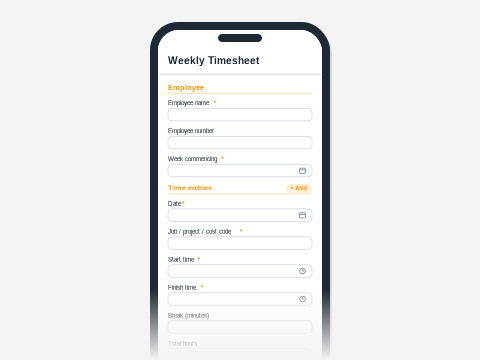
Weekly Timesheet template
Record daily start, finish and break times against jobs or cost codes, with employee and manager sign-off.
Opens in a free trial with this form ready to use.
Download printable PDF (69 KB)Working Time Regulations 1998
This template is provided as a starting point only. pro-Forms accepts no liability for the accuracy or suitability of its forms. Check every form with a suitably qualified person before using it in a live environment.
About this template
A weekly timesheet with a line for each shift or job: date, job or cost code, start and finish times, breaks, total hours, hours type and notes. The employee signs it at the end of the week and their manager approves it with a signature and date.
Because each entry is tied to a job or cost code, the hours can be used for payroll, client billing and job costing without retyping.
What's on this form
Every field in the template, grouped as it appears on the phone. Required fields are marked *.
1. Employee
- Employee name * Text
- Employee number Text
- Week commencing * Date
2. Time entries repeats as needed
- Date * Date
- Job / project / cost code * Text
- Start time * Time
- Finish time * Time
- Break (minutes) Text
- Total hours Text
- Hours type * Normal / Overtime / Holiday / Sick / Training Choice
- Notes Paragraph
3. Approval
- Employee signature * Signature
- Approved by Text
- Manager signature Signature
- Date approved Date
Questions about this template
Can I record overtime separately?
Yes. Each entry has an hours type, such as normal, overtime or travel, so they can be totalled separately.
Do I need to keep timesheets?
Employers must keep records that show they comply with the Working Time Regulations and minimum wage rules. Timesheets are the usual source of that evidence.
Can staff fill it in on their phone?
Yes. Staff can fill in each day as they go and submit at the end of the week for approval.
More Professional Services templates
All 27 templates →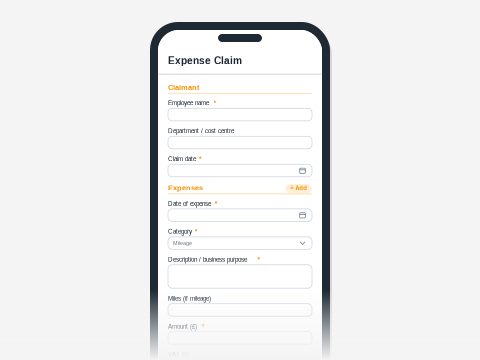 Expense Claim
Submit business expenses with receipt photos, categories, mileage and VAT, for manager approval.
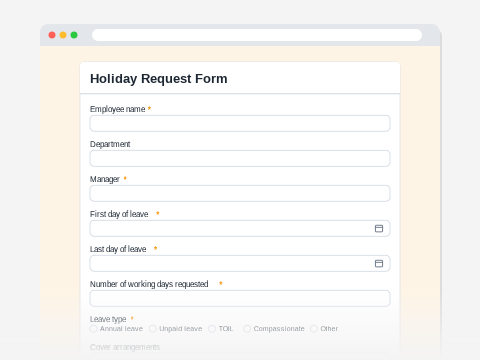 Holiday Request Form
Staff annual leave request with dates, days requested, cover arrangements and manager approval.
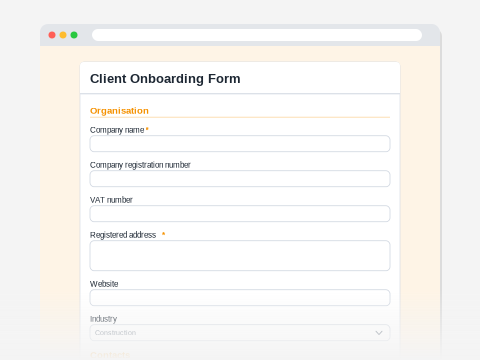 Client Onboarding Form
Collect new client details, contacts, billing information, services required and consent in one online form.
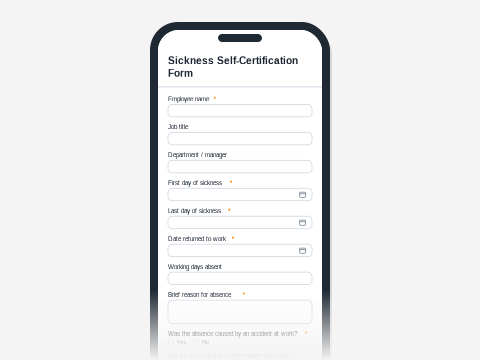 Sickness Self-Certification Form
Employee self-certification for sickness absence of up to seven calendar days, for the employer's records.