
Construction Form Templates
Site paperwork that keeps up with the job: inductions, toolbox talks, scaffold inspections, daily diaries, permits and incident reports, each with photos and signatures captured on the spot.
Download any template as a printable PDF, or open it in pro-Forms and fill it in on a phone or tablet, even with no signal on site.
29 templates · 28 mobile · 1 online
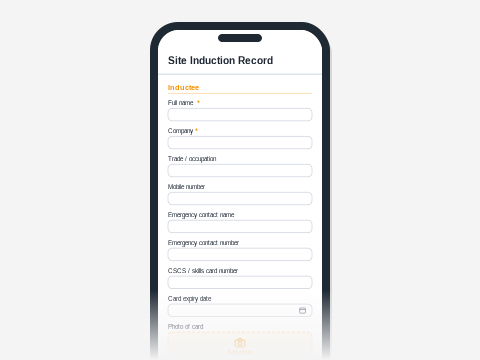 Site Induction Record
Record that each new starter, contractor or visitor has been inducted on site rules, hazards, emergency arrangements and welfare.
Starter set
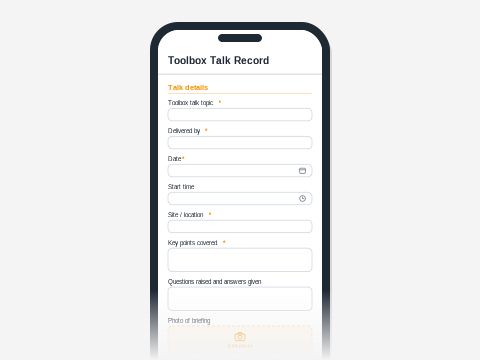 Toolbox Talk Record
Record the topic, key points and attendance of a toolbox talk, with each attendee signing to confirm they understood.
Starter set
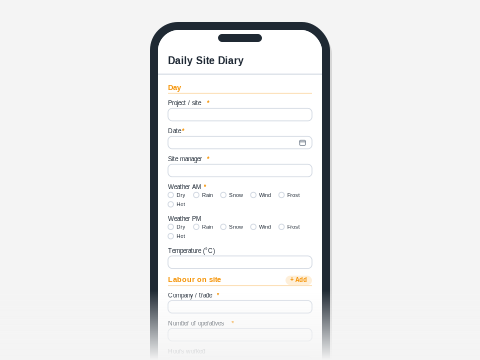 Daily Site Diary
Daily record of weather, labour, plant, deliveries, progress, delays, visitors and instructions received on site.
Starter set
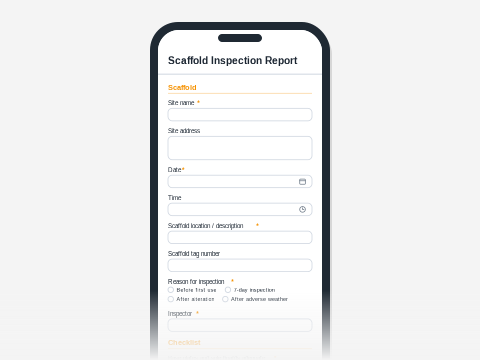 Scaffold Inspection Report
Seven-day and post-alteration scaffold inspection covering foundations, ties, boards, guardrails, toe boards and access.
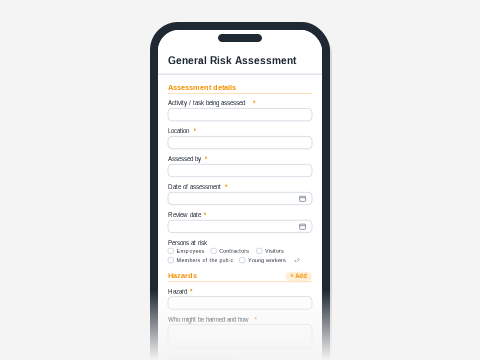 General Risk Assessment
Identify hazards, who might be harmed, existing controls and further actions, with a risk rating before and after controls.
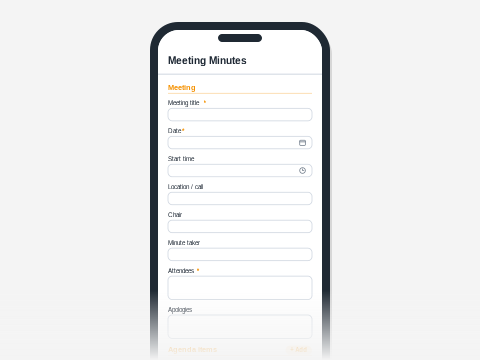 Meeting Minutes
Record a meeting: attendees, apologies, agenda items, decisions and actions with owners and due dates.
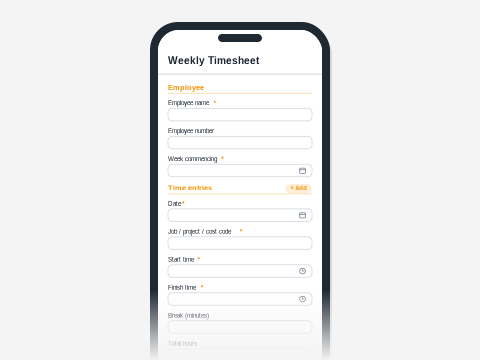 Weekly Timesheet
Record daily start, finish and break times against jobs or cost codes, with employee and manager sign-off.
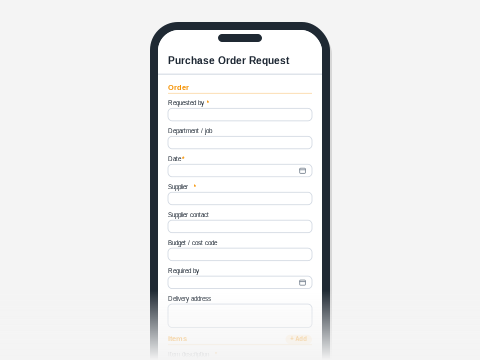 Purchase Order Request
Raise a purchase request or order: supplier, items, quantities, prices, delivery details, budget code and approval.
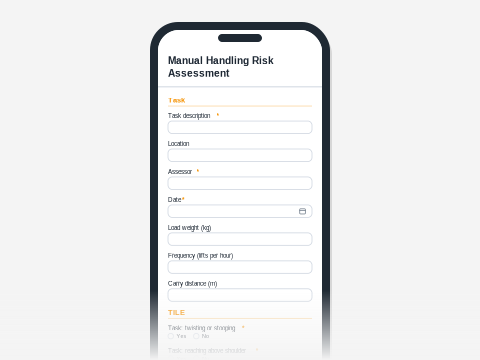 Manual Handling Risk Assessment
Assess a lifting or carrying task using TILE: task, individual, load and environment, with controls and residual risk.
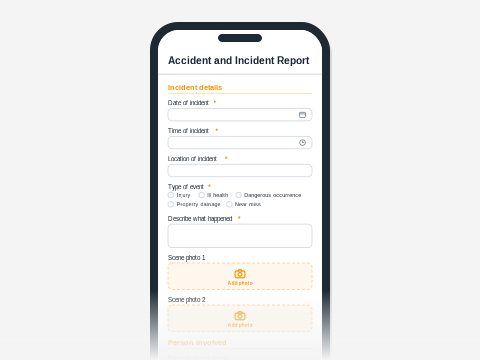 Accident and Incident Report
Record what happened, who was involved, injuries, first aid given, witnesses and whether the incident is RIDDOR reportable.
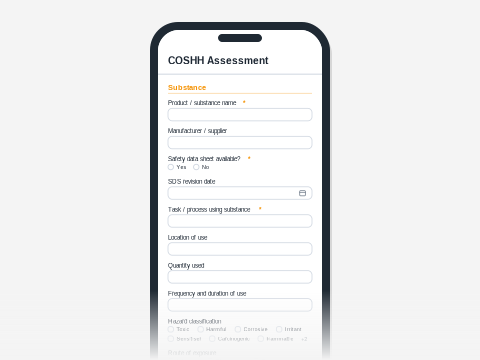 COSHH Assessment
Assess a hazardous substance: hazards from the safety data sheet, exposure routes, controls, PPE and emergency measures.
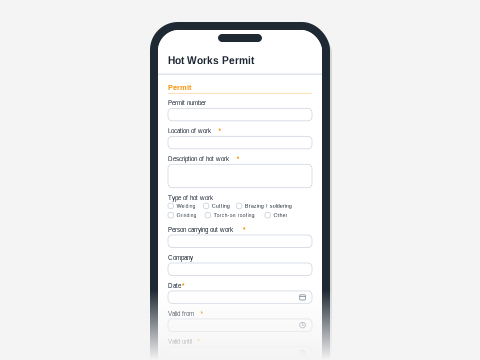 Hot Works Permit
Permit to control welding, cutting, grinding and torch-on work, with pre-work checks, fire watch and final sign-off.
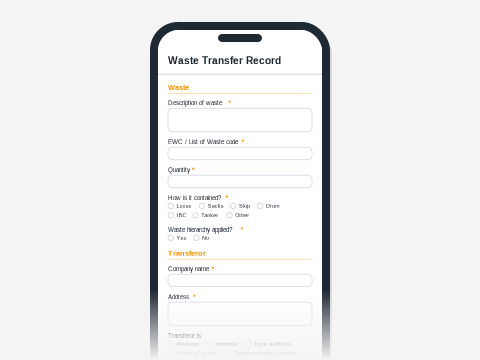 Waste Transfer Record
Records the information a waste transfer note must contain: waste description, EWC code, containment, transferor and transferee details.
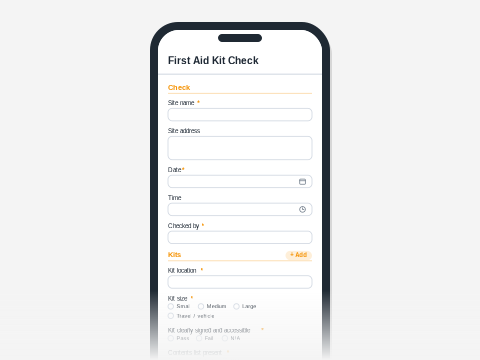 First Aid Kit Check
Monthly first aid kit check: contents present, in date, sealed and restocked, kit by kit.
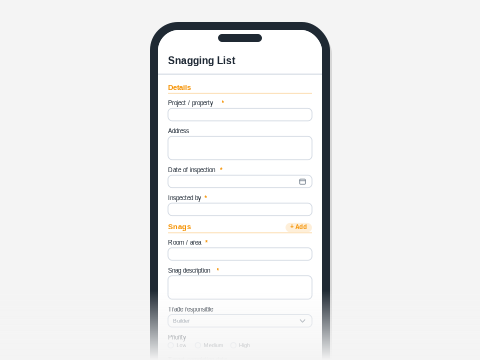 Snagging List
Room-by-room snag list with photos, trade responsible and target dates, ready for sign-off at handover.
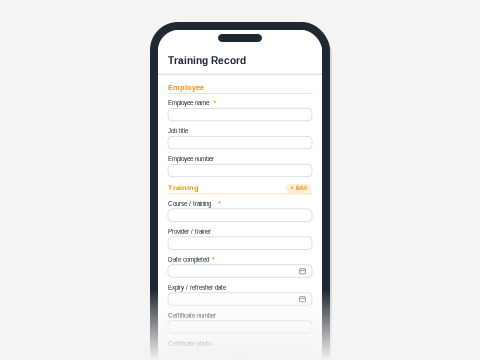 Training Record
Individual training record: courses completed, certificates, expiry dates and evidence photos.
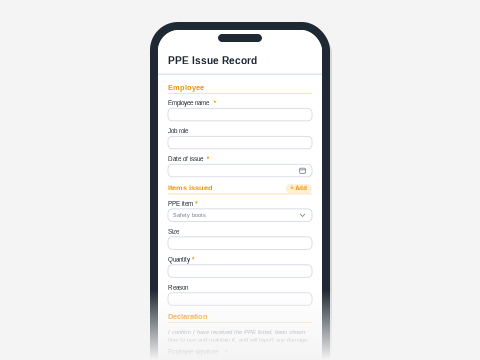 PPE Issue Record
Record PPE issued to each worker with sizes, quantities and a signature to confirm receipt and training.
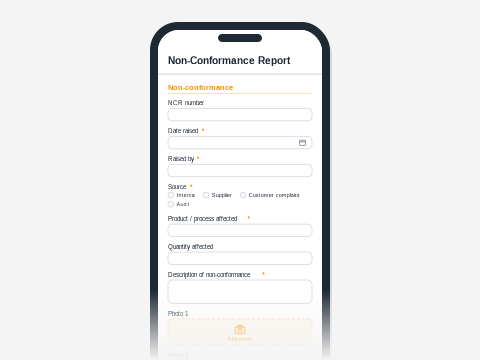 Non-Conformance Report
Record a non-conformance, contain it, find the root cause and track corrective action through to verified close-out.
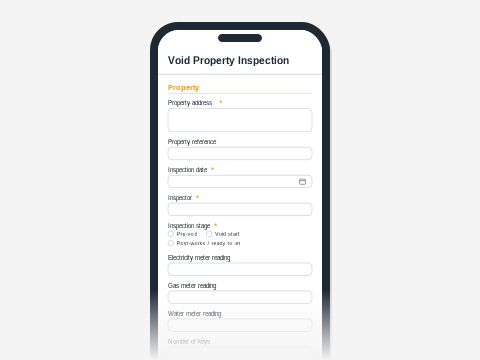 Void Property Inspection
Room-by-room void inspection before re-letting: condition, safety checks, works required and keys / meter readings.
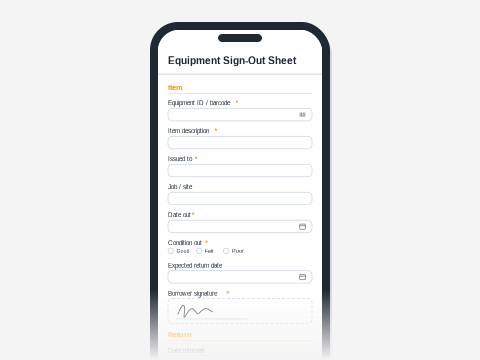 Equipment Sign-Out Sheet
Track tools and equipment leaving the store: item, who has it, condition out and in, and return date.
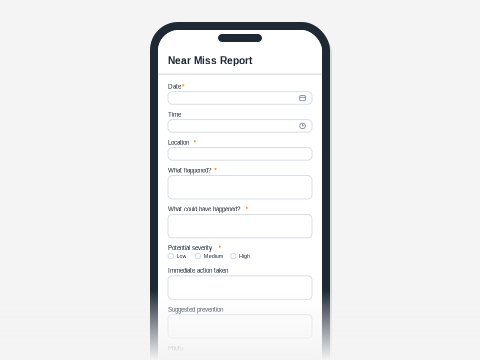 Near Miss Report
Quick report of an event that could have caused harm, so the hazard can be fixed before someone is hurt.
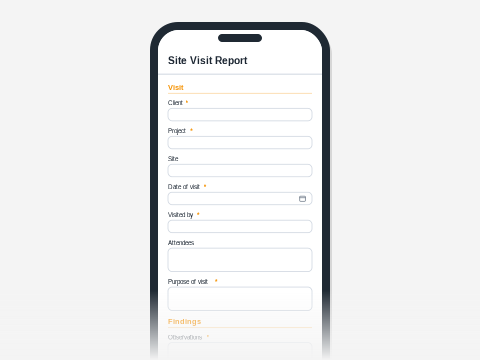 Site Visit Report
Report a client or project site visit: attendees, purpose, observations, photos, actions and next steps.
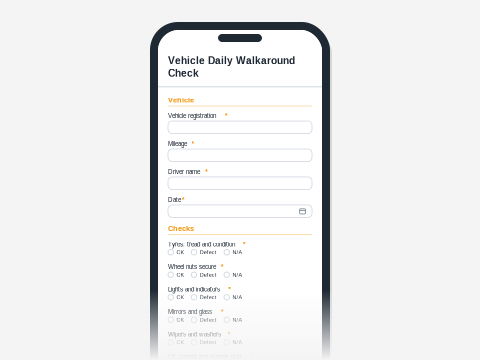 Vehicle Daily Walkaround Check
Driver's daily walkaround of a van or car: tyres, lights, mirrors, fluids, bodywork, load security and defects.
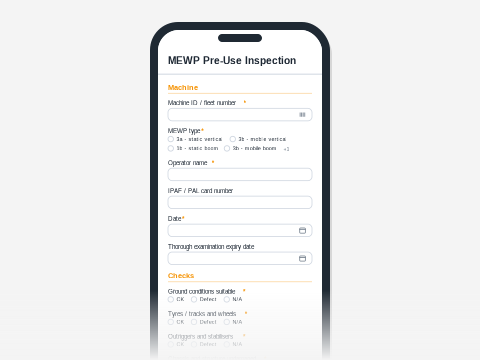 MEWP Pre-Use Inspection
Pre-use check of a mobile elevating work platform including ground conditions, controls, emergency lowering and platform.
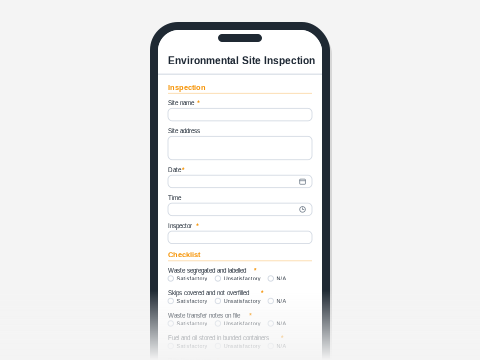 Environmental Site Inspection
Routine environmental inspection of waste, storage, drainage, spill kits, emissions, noise and dust on site.
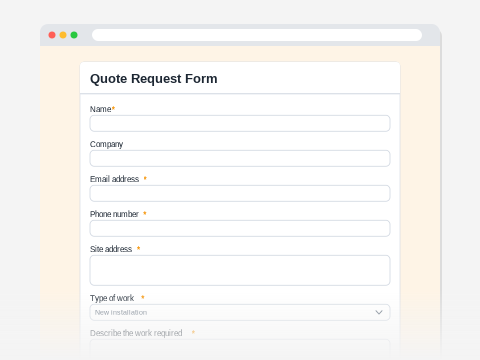 Quote Request Form
Customer request for a quotation: contact details, site address, work required, timescale, budget and photos.
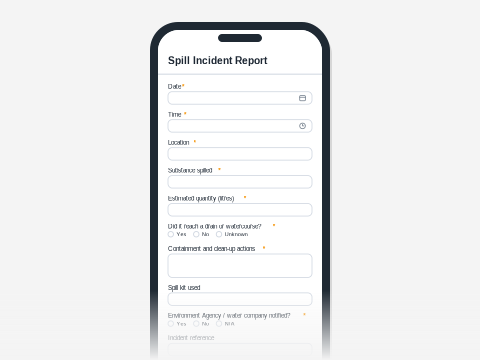 Spill Incident Report
Record an oil, fuel or chemical spill: substance, quantity, containment, any drain or watercourse impact and notification.
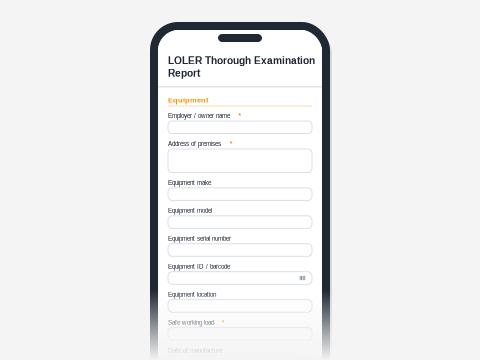 LOLER Thorough Examination Report
Records the information LOLER Schedule 1 requires for a thorough examination of lifting equipment, including defects and next due date.
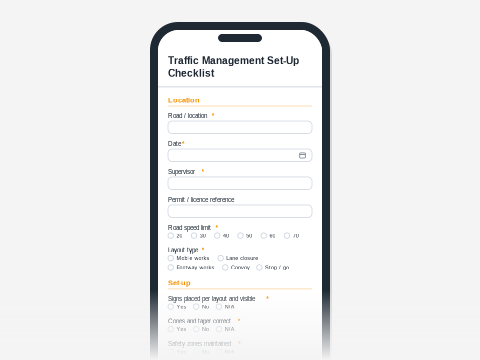 Traffic Management Set-Up Checklist
Checks before, during and after working on the highway: signage layout, cones, lighting, safety zones and removal.
Regulations these templates help you record
- Construction (Design and Management) Regulations 2015: site inductions, the construction phase plan, welfare and coordination between contractors.
- Work at Height Regulations 2005: scaffolds must be inspected before first use, at least every 7 days, and after anything that could affect their stability, with a written report.
- RIDDOR 2013: specified injuries, over-7-day injuries and dangerous occurrences must be reported to HSE and recorded.
- Health and Safety (Consultation with Employees) Regulations 1996: toolbox talks are one of the ways workers are consulted and kept informed.
- Management of Health and Safety at Work Regulations 1999: suitable and sufficient risk assessments, recorded where you employ five or more people.
Construction template FAQs
Which forms does a construction site need?
Most sites run on a site induction record, toolbox talk register, risk assessments and method statements, scaffold and equipment inspections, a daily site diary, permits to work and an accident and near miss report. The starter set covers the forms used every day.
How often does a scaffold need inspecting?
Under the Work at Height Regulations 2005 a scaffold must be inspected before it is first used, at least every 7 days while in use, and after any event likely to affect its stability, such as high winds or alterations. The inspection report must be kept on site until the work is finished and for three months after.
Can I use digital forms instead of paper on site?
Yes. There is no requirement for health and safety records to be on paper, as long as they are accurate, complete and can be produced when asked for. Digital forms add a time stamp, location and photos that paper can't.
Do the forms work without a mobile signal?
Yes. Forms filled in on the pro-Forms app are saved on the device and sent when a connection returns, so they can be completed in basements, on new-build plots and in remote locations.