
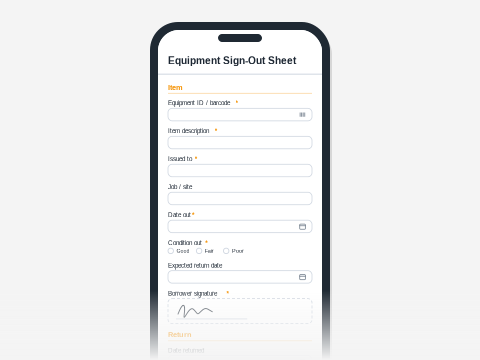
Equipment Sign-Out Sheet template
Track tools and equipment leaving the store: item, who has it, condition out and in, and return date.
Opens in a free trial with this form ready to use.
Download printable PDF (51 KB)This template is provided as a starting point only. pro-Forms accepts no liability for the accuracy or suitability of its forms. Check every form with a suitably qualified person before using it in a live environment.
About this template
Track tools and equipment leaving the store. Record the equipment ID or barcode, description, who it was issued to, the job or site, date out, condition and expected return date, with the borrower's signature.
On return, record the date, condition, any damage with a photo and who received it.
Running reports on items not returned by their expected date shows which tools are overdue and who has them, before they are lost or needed elsewhere.
What's on this form
Every field in the template, grouped as it appears on the phone. Required fields are marked *.
1. Item
- Equipment ID / barcode * Barcode scan
- Item description * Text
- Issued to * Text
- Job / site Text
- Date out * Date
- Condition out * Good / Fair / Poor Choice
- Expected return date Date
- Borrower signature * Signature
2. Return
- Date returned Date
- Condition in Good / Fair / Poor / Damaged Choice
- Damage notes Paragraph
- Photo Photo
- Received by Text
- Store signature Signature
Questions about this template
Why sign equipment out?
You know where every tool is and who has it, which reduces losses and arguments about damage.
Can barcodes be scanned?
Yes. Scan the equipment barcode with the phone camera to fill in the ID.
Why record condition out and in?
Comparing the two shows when damage happened, so it can be repaired and, if needed, followed up.
More Electrical templates
All 16 templates →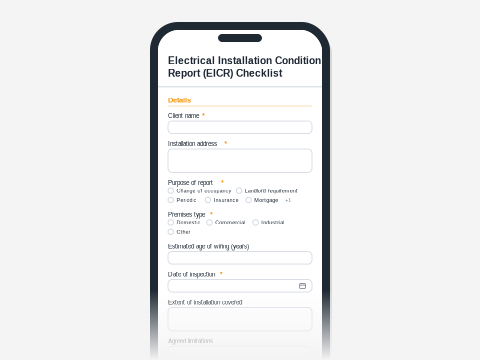 Electrical Installation Condition Report (EICR) Checklist
Site checklist for periodic inspection and testing: installation details, supply characteristics, inspection schedule, circuit test results and observations coded C1, C2, C3 or FI.
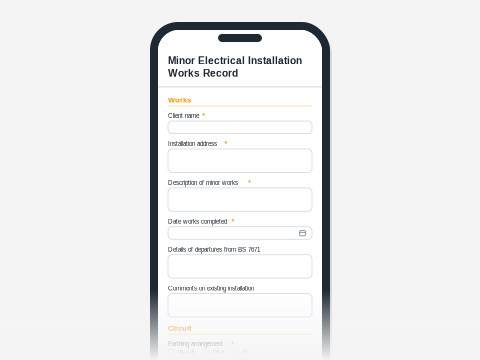 Minor Electrical Installation Works Record
Records the details of minor electrical works, such as an added socket or replaced circuit accessory, including circuit details and test results.
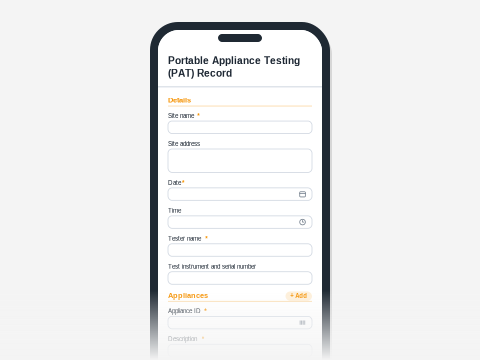 Portable Appliance Testing (PAT) Record
Appliance-by-appliance PAT record: ID, class, visual inspection, earth continuity, insulation resistance and result.
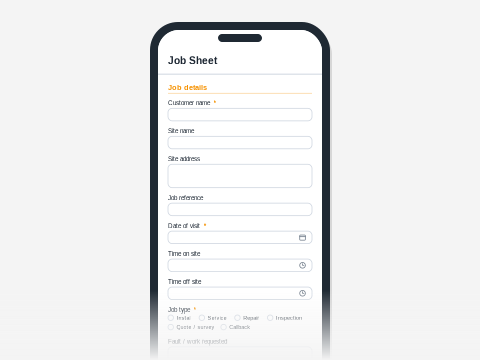 Job Sheet
Record a site visit: work carried out, parts and materials used, time on site, photos and customer sign-off.