
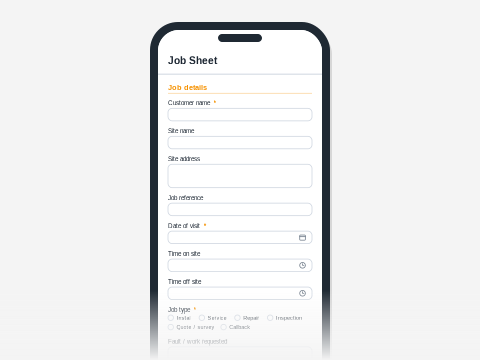
Job Sheet template
Record a site visit: work carried out, parts and materials used, time on site, photos and customer sign-off.
Opens in a free trial with this form ready to use.
Download printable PDF (67 KB)This template is provided as a starting point only. pro-Forms accepts no liability for the accuracy or suitability of its forms. Check every form with a suitably qualified person before using it in a live environment.
About this template
A general job sheet for any site visit: customer and site, job reference, time on and off site, the work requested and the work carried out, with photos, parts and materials used and recommendations for further work.
The engineer and the customer both sign on the device, and the customer can be emailed a PDF copy straight away. It works for reactive call-outs, small works and service visits in any trade.
What's on this form
Every field in the template, grouped as it appears on the phone. Required fields are marked *.
1. Job details
- Customer name * Text
- Site name Text
- Site address Paragraph
- Job reference Text
- Date of visit * Date
- Time on site Time
- Time off site Time
- Job type * Install / Service / Repair / Inspection / Quote / survey / Callback Choice
- Fault / work requested Paragraph
2. Work carried out
- Work carried out * Paragraph
- Job complete? * Complete / Further visit required / Parts on order Choice
- Recommendations / further work Paragraph
- Photo 1 Photo
- Photo 2 Photo
- Photo 3 Photo
3. Parts and materials repeats as needed
- Part / material description Text
- Part number Text
- Quantity Text
4. Sign-off
- Additional comments Paragraph
- Engineer name * Text
- Engineer signature * Signature
- Date signed * Date
- Customer name (print) Text
- Customer signature Signature
Questions about this template
What should a job sheet include?
Who the work was for, where and when, what was asked for and what was done, parts used, time on site, any further work needed, and signatures from the engineer and customer.
Can the customer get a copy?
Yes. Once the job sheet is signed, a PDF can be emailed to the customer automatically.
Can I add my own questions?
Yes. Once the template is in your account you can add fields, such as an asset number or a risk check, in the form builder.
More Electrical templates
All 16 templates →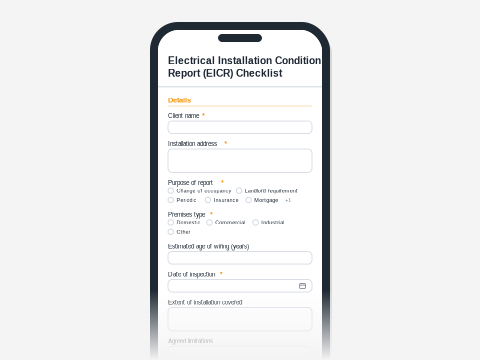 Electrical Installation Condition Report (EICR) Checklist
Site checklist for periodic inspection and testing: installation details, supply characteristics, inspection schedule, circuit test results and observations coded C1, C2, C3 or FI.
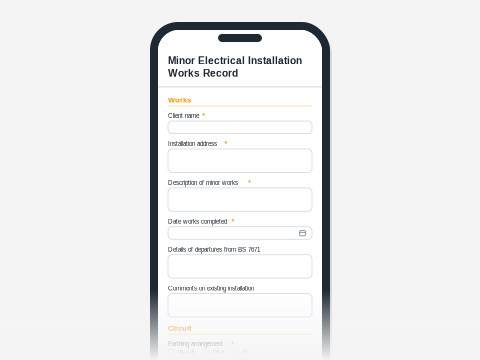 Minor Electrical Installation Works Record
Records the details of minor electrical works, such as an added socket or replaced circuit accessory, including circuit details and test results.
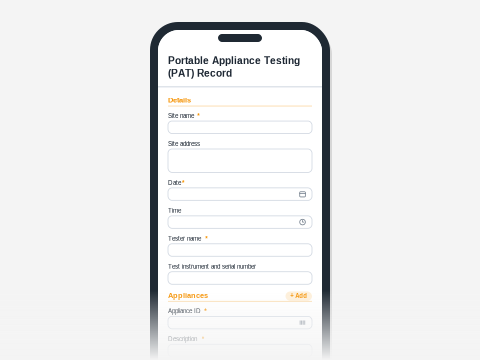 Portable Appliance Testing (PAT) Record
Appliance-by-appliance PAT record: ID, class, visual inspection, earth continuity, insulation resistance and result.
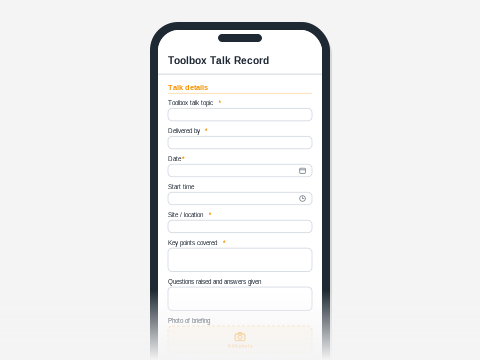 Toolbox Talk Record
Record the topic, key points and attendance of a toolbox talk, with each attendee signing to confirm they understood.